


Your planning meeting ends with agreement, a few sticky notes, and a promise to write it up. By the time an engineer starts work, the owner is unclear, the reason behind the decision has disappeared into chat, and nobody knows whether an unanswered question blocks implementation.
That's the decision gap. Small product teams don't need another place to discuss work. They need a reliable way to preserve what they agreed, explain why, and carry that context into the first commit.
Fragmented collaboration has a measurable cost. A Global Collaboration Survey cited by ProofHub found that 64% of employees lost at least three hours per week because of collaboration inefficiencies. Adding another workspace won't help if someone still has to reconstruct the plan afterward.
The useful distinction between collaborative planning tools is where they help you close that gap:
- During the conversation: Capture decisions, rationale, owners, and unresolved questions.
- While shaping the plan: Connect customer evidence, designs, and requirements.
- During implementation: Keep tasks, dependencies, and delivery status attached to the original intent.
The tools below serve different parts of that workflow. Choose based on where your team loses context, not which product has the longest feature list.
Table of Contents
- 1. SpecStory, Inc.
- 2. Miro
- 3. Linear
- 4. Productboard
- 5. ClickUp
- 6. FigJam
- 7. Asana
- 8. Jira
- 9. monday.com
- 10. Notion
- How the ten tools compare on pricing model, free access, and best-fit team
- Pick the Tool That Matches Where Your Decisions Get Lost
1. SpecStory, Inc.
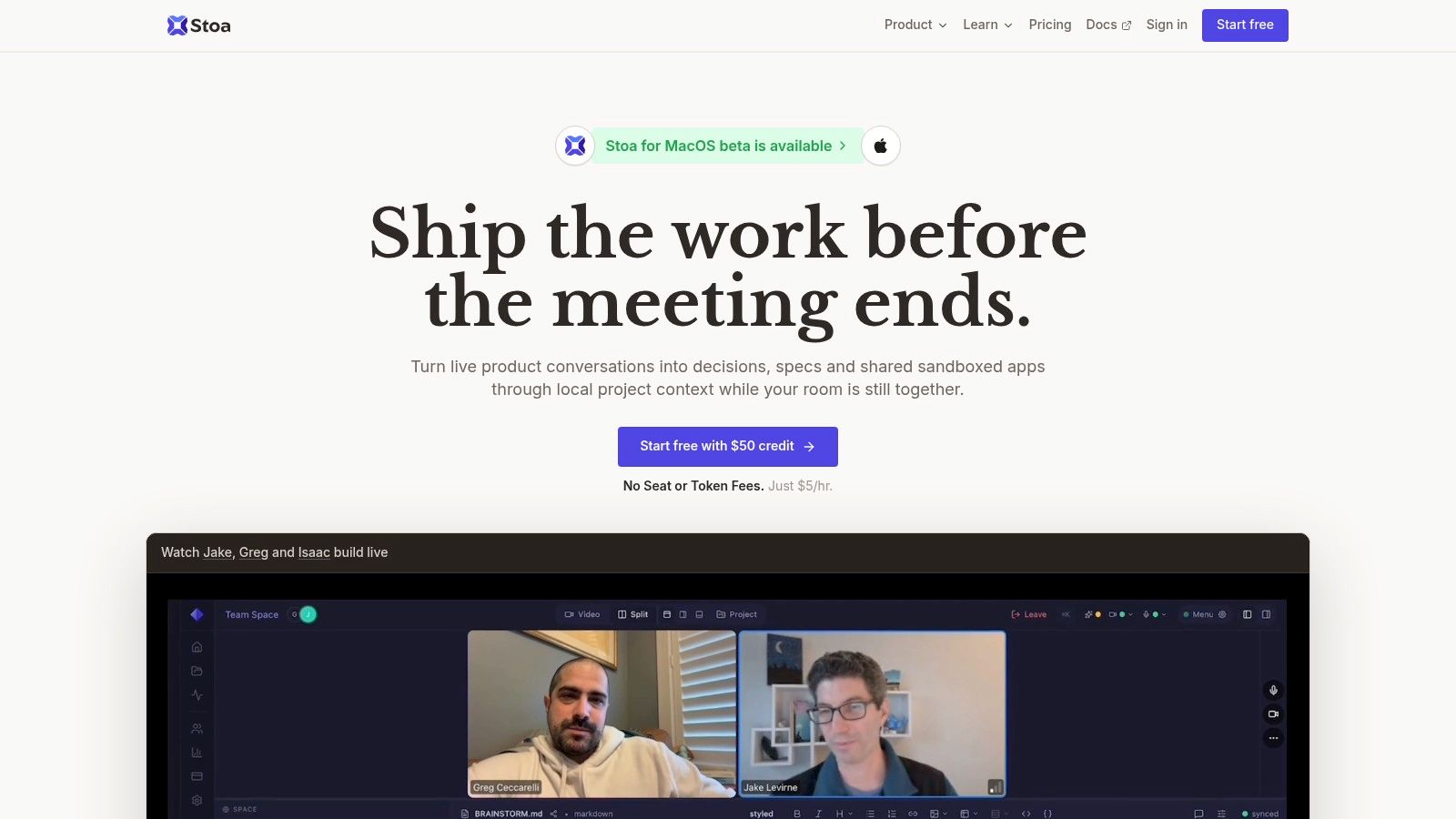
Best for the gap between a live conversation and an executable plan. Stoa, built by SpecStory, Inc., combines video meetings, transcription, collaborative editing, and shared sandboxed agents in a single workspace.
Rather than leaving someone to write the specification afterward, Stoa's AI extracts decisions, drafts specs, generates user stories, and flags open questions during the conversation. A Markdown PRD can take shape before the meeting ends, while teammates work with agents against shared project context.
Keep the reasoning attached to the work
Say a team agrees to simplify onboarding but hasn't resolved how existing accounts should behave. The useful output isn't just a task saying “update onboarding.” It's a plan containing the intended behavior, the reasoning, and the unresolved migration question with a named owner.
Stoa supports that meeting-to-build workflow through local project context, collaborative agents, and shared sandboxes. Teams can also share a localhost application for feedback and leave voice memos on the page, keeping discussion close to the prototype.
- Setup cost: Bring relevant project files and establish how the team will review generated decisions and specs. Shared context helps only when it reflects the actual project.
- Main strength: Conversation capture and implementation happen in the same working environment, reducing the manual handoff between notes and code.
- Main limitation: Generated requirements still need human review. An agent can record an assumption without establishing that everyone agreed to it.
- Switch point: Add a dedicated delivery tracker when backlog ordering, release coordination, or cross-project dependencies become the harder problem.
New users can start with $50 in credit and invite as many people as they want. Budget against all meetings across the team, not just those attended by the person evaluating the product.
Practical rule: Before anyone implements an AI-generated requirement, confirm its owner, acceptance criteria, and unresolved assumptions.
2. Miro
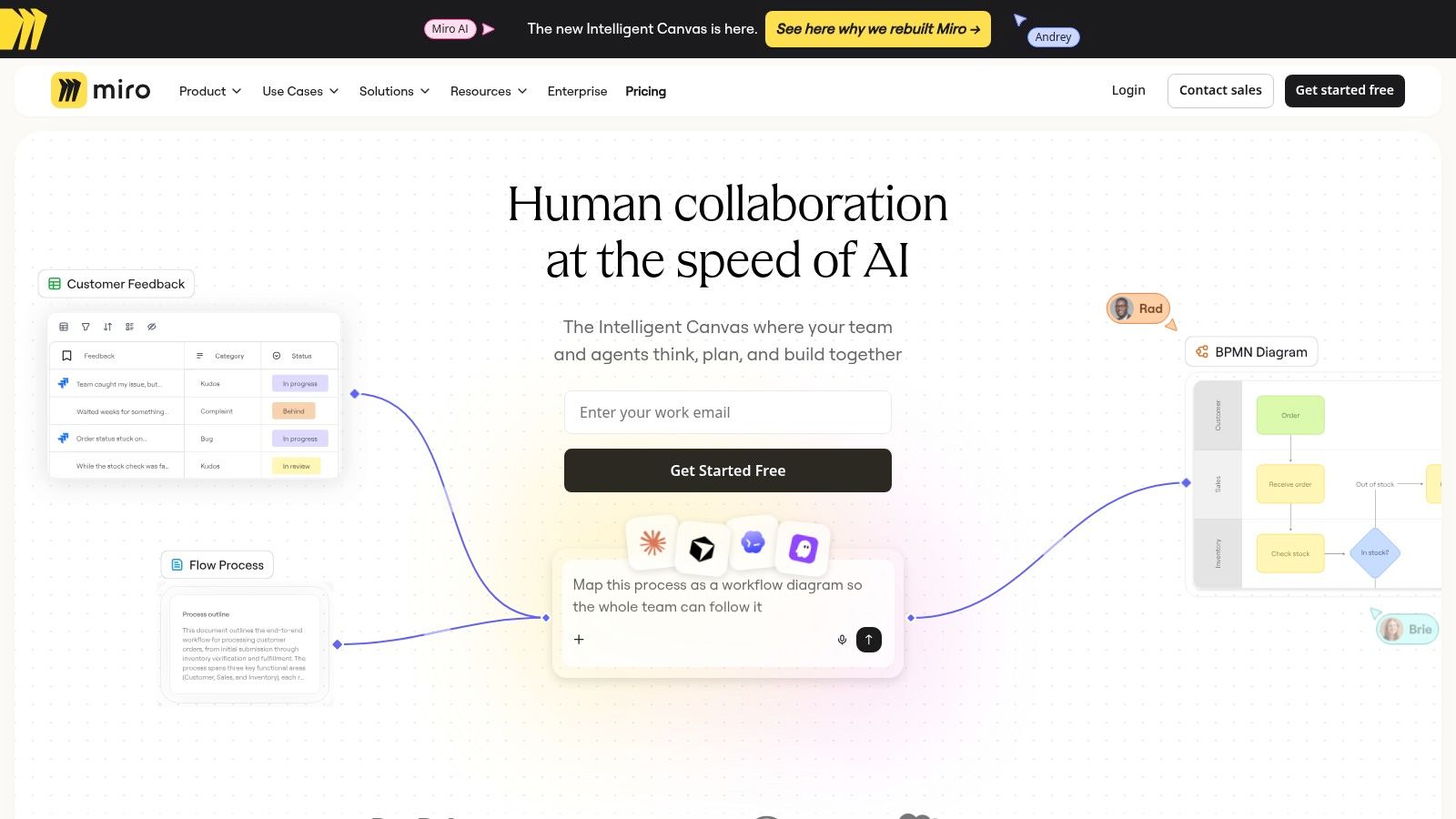
A team debating an onboarding flow often needs to see the whole journey before it can write sensible tickets. Miro fits that stage: a shared visual workspace for mapping alternatives, sketching dependencies, and running planning workshops.
Its canvas accommodates diagrams, timelines, tables, documents, and boards. That flexibility helps when product, design, and engineering need different representations of the same problem rather than another list of tasks.
The workflow gap it fills is shared understanding before commitment. Miro is less convincing as the final record of exactly what an engineer should implement.
Make the board produce a decision
Create distinct areas for customer evidence, proposed approaches, decisions, and unresolved questions. Keep discarded ideas visible but clearly separated from the chosen direction, so someone returning later doesn't mistake brainstorming for scope.
- Setup cost: Moderate facilitation work. Choose a template, define the board's reading order, and decide who converts workshop outcomes into executable work.
- What works: Journey maps, architecture discussions, dependency mapping, and workshops where participants need to compare options visually.
- What doesn't: Treating every sticky note as equally authoritative or assuming a completed workshop means the plan is ready for engineering.
Switch tools when the discussion becomes a queue of owned work. Move committed actions into Linear, Jira, or another tracker, and attach the relevant board area as supporting context.
Keep Miro for exploration. Don't require engineers to search an entire workshop canvas to discover a single acceptance criterion.
3. Linear
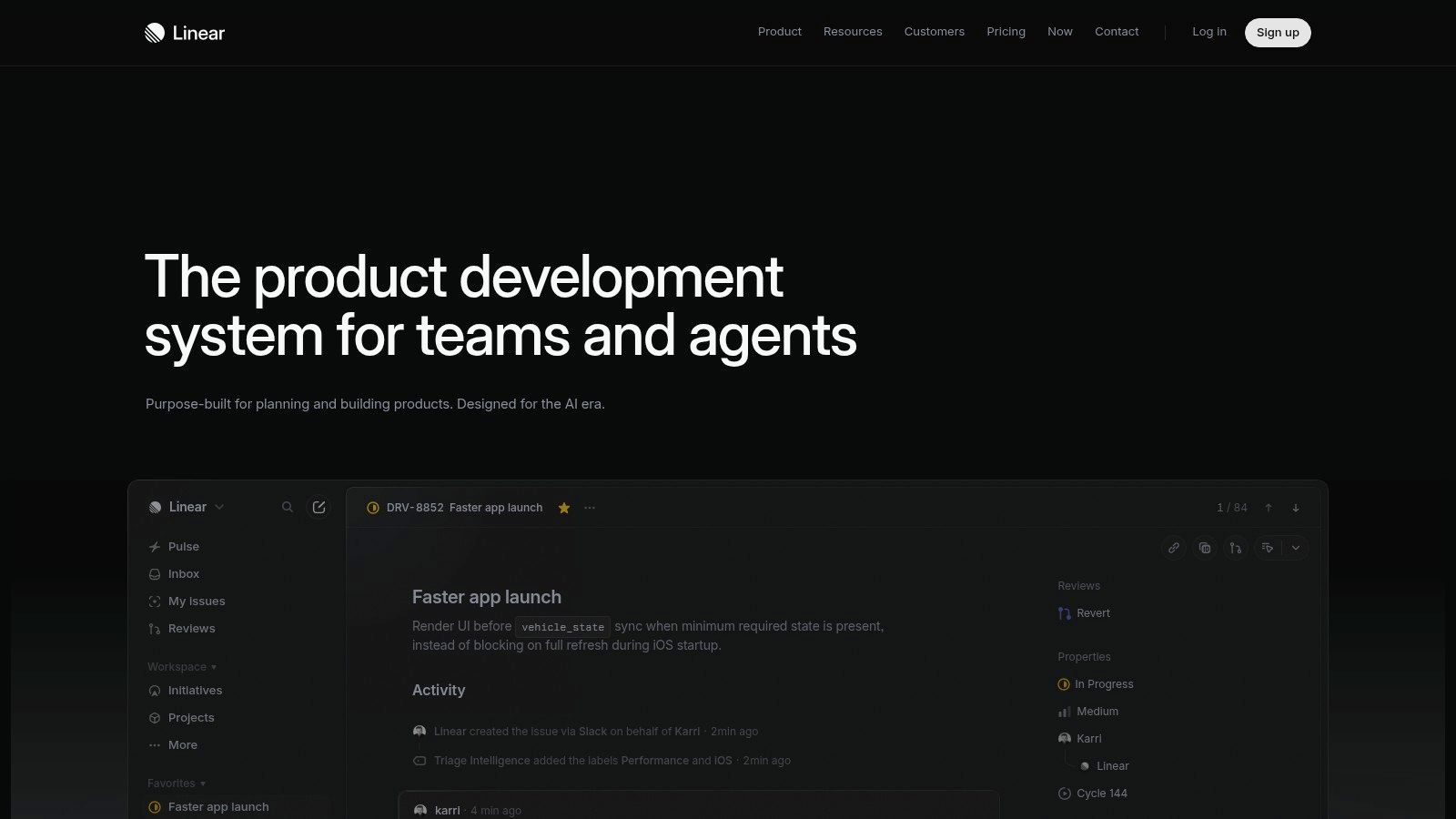
Linear is the strongest fit here when the decision is made but implementation ownership is slipping. Linear connects initiatives and projects with issues, cycles, and releases, giving software teams a structured path from planned outcome to daily engineering work.
That structure is useful for a small team that doesn't want to invent a project-management system. A project describes the intended result; issues break it into implementable changes; cycles help the team decide what to attempt next.
The catch is that a well-organized backlog can still contain poorly explained work. Linear won't supply the reasoning that nobody recorded.
Write issues that survive the handoff
For a permissions change, include the expected behavior, excluded cases, design reference, and source decision. Keep unresolved security questions explicit rather than burying them in a comment thread.
- Setup cost: Low to moderate if the team already thinks in software projects and issues. Agree on statuses, project ownership, and what makes an issue ready.
- Trade-off: The product-development focus is helpful for engineers but less natural for unrelated operational workflows.
- Switch point: Add a visual workspace for discovery or a conversation-capture tool when writing issues requires repeatedly reconstructing meetings.
For teams making decisions in chat, the Linear and Slack integration guide is a useful companion when designing the handoff. Establish which conversations should become tracked work and who verifies the resulting issue.
Don't turn every message into a ticket. Capture commitments, not conversational noise.
4. Productboard
Sometimes the missing context isn't an engineering detail. It's why the team chose this feature instead of the alternatives.
Productboard addresses that gap by organizing customer feedback, product insights, priorities, and roadmaps. It suits teams whose planning discussions repeatedly return to competing customer requests and stakeholder expectations.
Say sales requests bulk export while support reports confusion around permissions. Productboard gives the product lead a place to connect those signals to potential work rather than prioritizing whichever request arrived most recently.
Preserve evidence, not just a ranking
The setup work is in the feedback system. Decide how to categorize incoming requests, distinguish customer problems from suggested solutions, and connect evidence to candidate features.
That effort is worthwhile when feedback volume makes informal recall unreliable. It's excessive when a founder and a small engineering team can still review the relevant evidence directly.
- Strength: Customer input can remain attached to prioritization and roadmap discussions.
- Cost to manage: Maker-based access means you should distinguish people shaping product strategy from people contributing context.
- Limitation: Prioritization doesn't replace implementation planning. Engineers still need scoped work, acceptance criteria, and dependency handling.
Switch to a delivery tracker once the priority becomes a commitment. Carry the customer problem and decision rationale into the implementation brief instead of copying only the feature title.
I'd choose Productboard for a recurring evidence-management problem, not because the team wants a more polished roadmap. A roadmap without supporting decisions is still just a presentation.
5. ClickUp
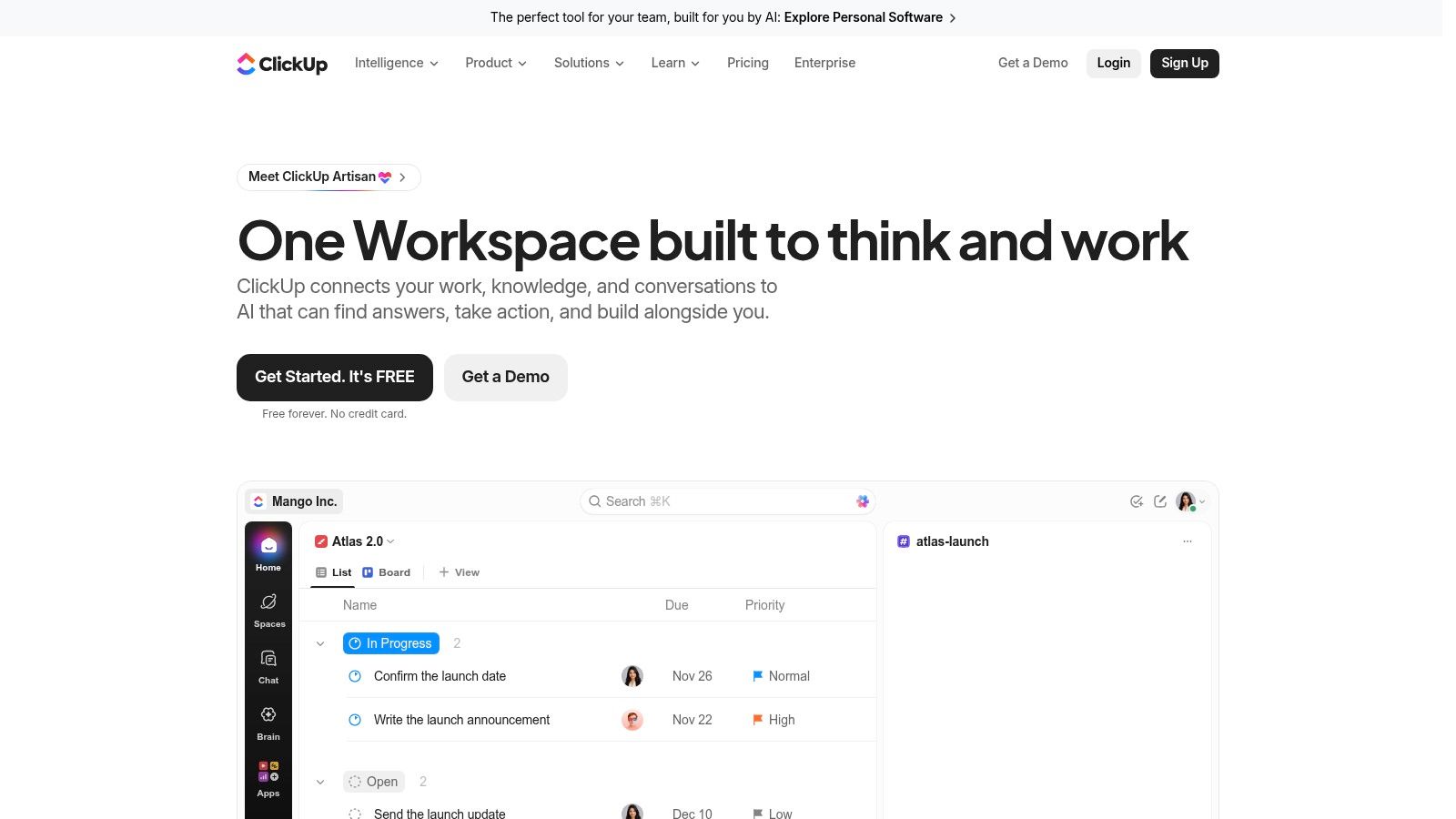
ClickUp makes sense when the handoff fails because plans, documents, tasks, and sprint work live in disconnected places. Its broad work-management approach lets teams combine those activities rather than maintain a separate application for each.
The potential benefit is consolidation. The practical risk is spending more time configuring the workspace than clarifying the work.
In a survey of U.S.-based project managers, Capterra found that project team members represented 55% of project-management-software users, while dedicated project managers represented 27%. That's a useful reminder to design the workspace for contributors, not just the person building dashboards.
Start with the smallest usable workflow
Choose a primary task view, a home for project briefs, and a clear relationship between documents and tasks. Leave optional fields and automations alone until a recurring problem justifies them.
- Setup cost: Moderate to high. Someone must define the hierarchy, statuses, permissions, and conventions.
- What works: Cross-functional teams that want shared documents and execution tracking in a configurable hub.
- What doesn't: Building different status systems for every team and then expecting a shared dashboard to reconcile them.
Switch away when configuration becomes a continuing tax on a small engineering team. Linear may be a better fit if most work is software delivery and contributors rarely use ClickUp's broader capabilities.
If you stay, assign a workspace owner who can remove unused fields and redundant views. Consolidation only helps when teammates can find and update work without asking how the system operates.
6. FigJam
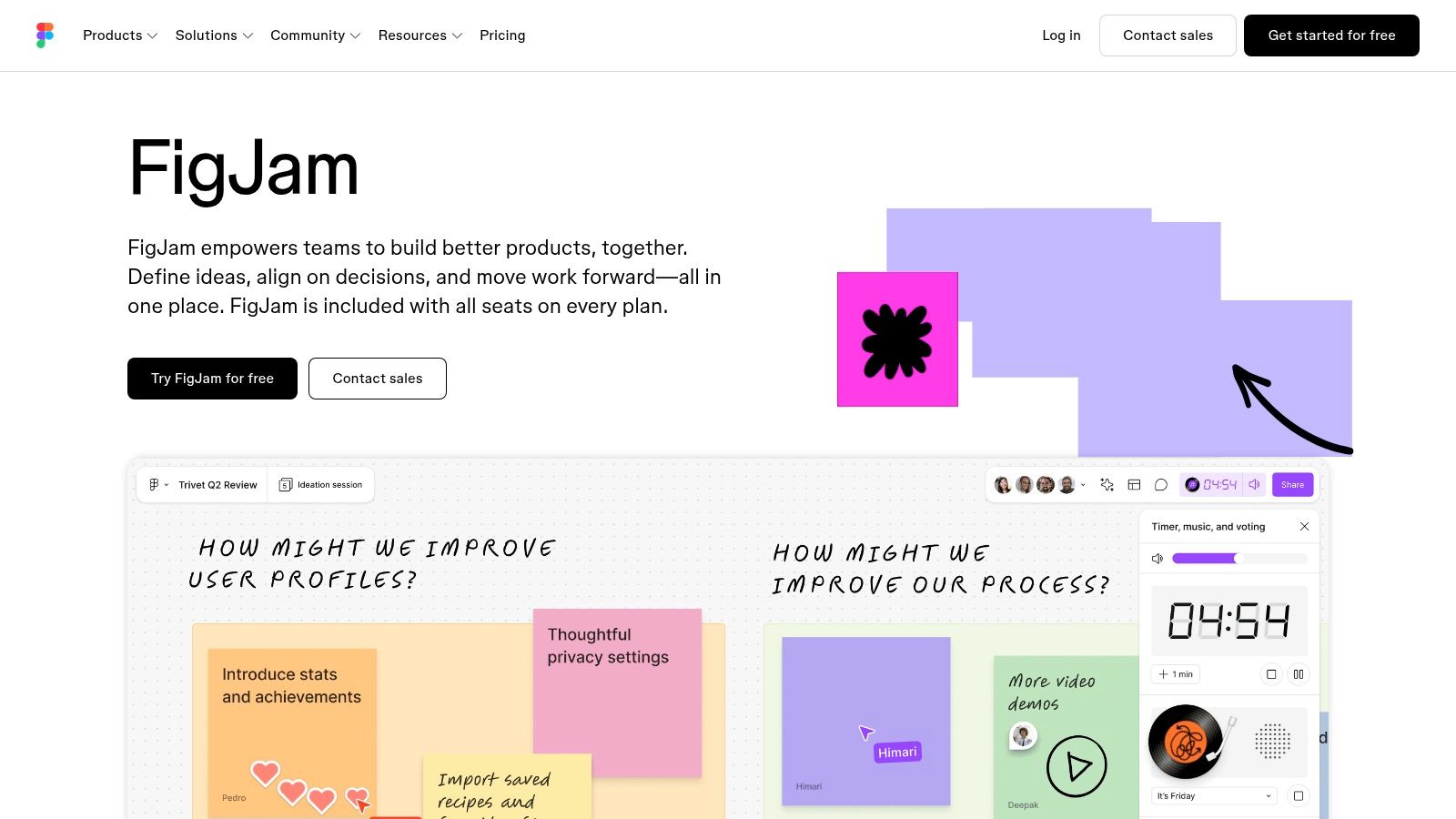
A designer points to a flow, an engineer questions an edge case, and the product manager changes the scope. FigJam gives that conversation a shared visual surface close to the team's Figma design work.
It's particularly useful for kickoffs, journey mapping, brainstorming, and workshops. Facilitation features such as voting and timers help the group compare options rather than let the most persistent speaker determine the outcome.
The gap FigJam fills is between individual mental models. It helps people explain what they mean before anyone turns the discussion into requirements.
A vote identifies a preference. It doesn't establish technical feasibility, resolve an unanswered question, or assign implementation ownership.
End the workshop with an explicit handoff
Mark the chosen flow and link the relevant design file. Record which edge cases are in scope, which are deferred, and which need engineering investigation.
Setup cost is low for teams already comfortable in Figma, but facilitation still requires preparation. A blank canvas isn't a meeting plan, and a template doesn't tell participants what decision they must reach.
FigJam is the wrong primary tool when the recurring problem is overdue tasks or unclear release dependencies. It's a planning canvas, not a full delivery tracker.
Switch to Linear, Jira, or Asana when commitments need ongoing status. Keep the FigJam board as visual context, but put authoritative owners and implementation progress in the tracker. Avoid maintaining competing task lists on both surfaces.
7. Asana
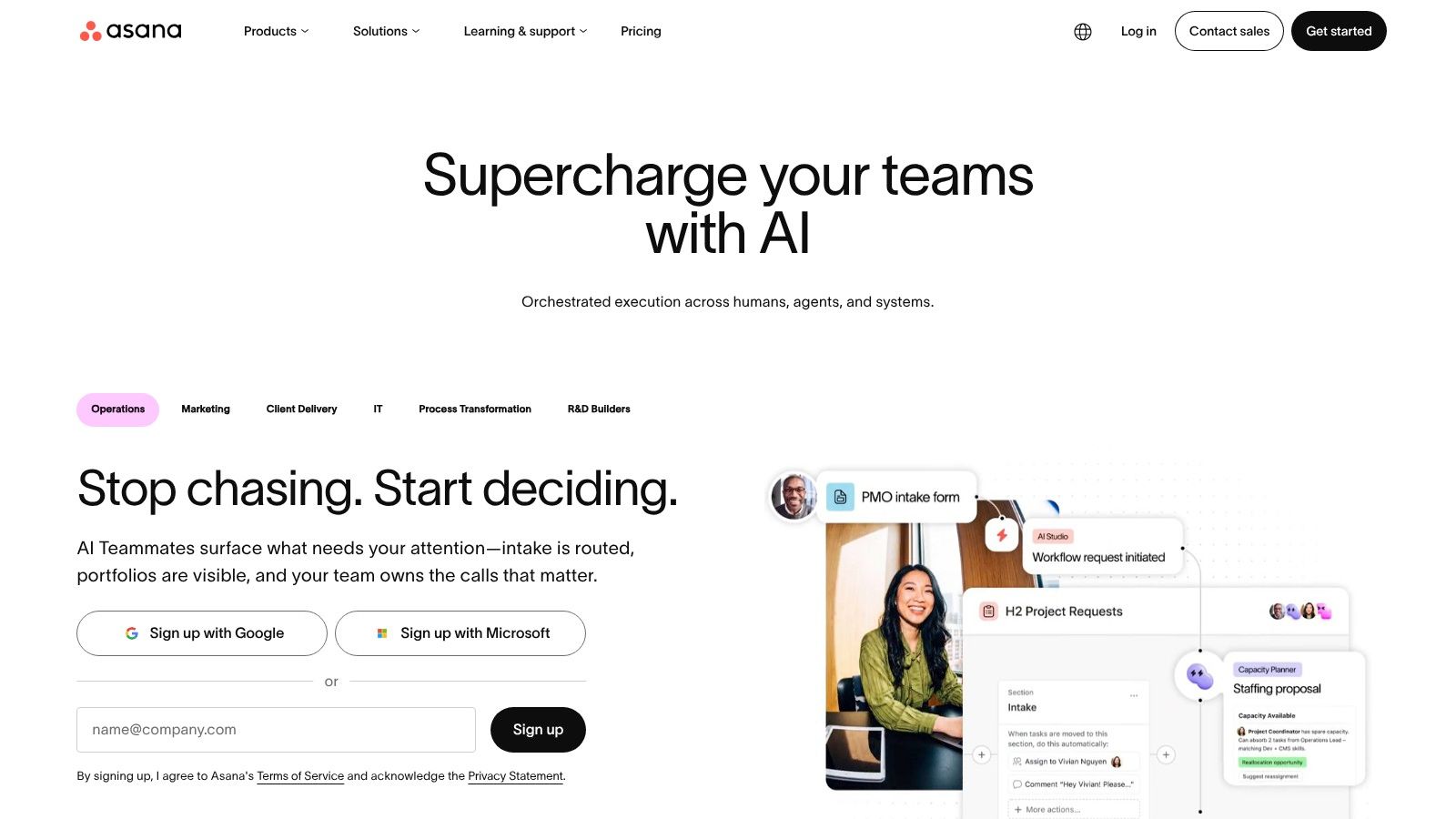
A feature can be ready in engineering and still fail to launch because nobody owns documentation, customer communication, or support preparation. Asana is a practical choice when cross-functional handoffs, rather than code-level issue tracking, cause the delays.
Projects and tasks provide a common structure for owners, deadlines, and progress. Different views let contributors inspect the same work as a list, board, or calendar, with additional planning capabilities available on paid tiers.
That broader scope distinguishes Asana from tools organized primarily around software development. A product launch can include engineering, marketing, operations, and customer-facing work without forcing every contributor into engineering terminology.
Define completion across functions
For a launch plan, separate implementation completion from launch readiness. A merged change doesn't mean the help article is published or that support knows how to handle customer questions.
- Setup cost: Moderate. Define project templates, ownership expectations, and dependencies before adding automation.
- Strength: Clear accountability for work that crosses departmental boundaries.
- Limitation: Engineering teams may still prefer a specialist issue tracker for their daily development workflow.
- Switch point: Add that tracker when technical work needs a more detailed lifecycle than the shared launch plan can usefully represent.
Don't duplicate every engineering issue in Asana. Track the cross-functional deliverable and link to the engineering project that contains its implementation detail.
Asana is less useful when the team's only real problem is remembering what a planning conversation meant. Capture that reasoning first, then use tasks to coordinate the commitments it produces.
8. Jira
Jira fits teams that need explicit software-delivery workflows: backlogs, Scrum or Kanban boards, work-item tracking, and planning views. It's especially sensible when engineering already uses the Atlassian ecosystem.
The gap it fills is between a committed plan and controlled execution. Jira can make work states and responsibilities visible, but the team must decide what those states mean.
That distinction matters. Moving an item into progress doesn't prove the requirements are settled, and closing it doesn't prove the customer problem is solved.
Configure for decisions you actually make
Start with the workflow the team follows, not the workflow someone imagines it might need later. Add a status only when entering or leaving that state requires a meaningful decision.
For example, a security-sensitive change may need explicit review. A routine copy update probably doesn't need the same approval path.
- Setup cost: Moderate to high, depending on workflow customization and existing conventions.
- What works: Teams that need consistent delivery tracking and are willing to maintain the rules.
- What doesn't: Mandatory fields that contributors fill with placeholders because nobody uses the information.
The Jira integration guide can help frame how planning context should reach tracked work. Define which artifact contains the approved requirements and how engineers find its rationale.
Switch to a lighter tracker if maintaining Jira consumes more attention than the workflow warrants. If Jira is already working, don't replace it merely to fix weak meeting notes. Improve the upstream capture and preserve the connection to existing issues.
9. monday.com
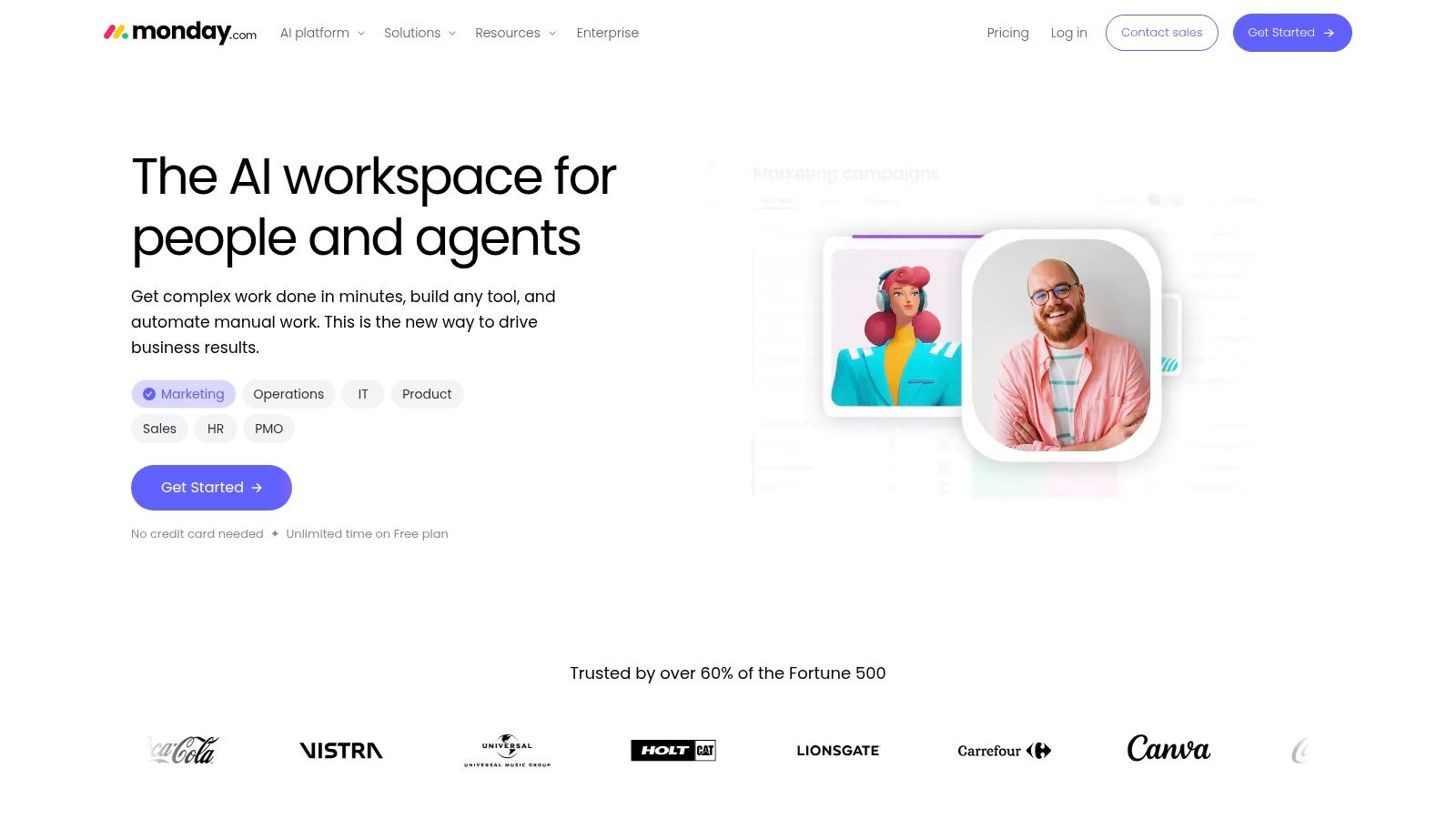
monday.com is useful when a team can describe its recurring workflow clearly but doesn't fit comfortably into a specialist product-development structure. Customizable boards let people organize projects, roadmaps, approvals, and operational processes around that workflow.
Its visual approach makes ownership and status straightforward to scan. Relevant plans add timelines, Gantt views, automations, and integrations, while product-focused options support software-planning activities.
The decision gap it addresses is inconsistent coordination across repeatable processes. Think launch preparation, customer onboarding, or a recurring product review with predictable handoffs.
Customize the process, not every preference
Before building boards, define what each row represents. Mixing features, meetings, risks, and tasks in the same board makes reporting ambiguous even when the workspace looks organized.
Then agree on shared meanings for ownership, status, and completion. Automate reminders only after those definitions work manually.
- Setup cost: Moderate. The flexibility requires deliberate board design and maintenance.
- Strength: Adaptable workflows that non-engineering collaborators can follow.
- Limitation: Similar-looking boards can hide incompatible conventions, creating manual reconciliation later.
- Switch point: Choose a specialist development tracker when software issues and engineering dependencies dominate the work.
For a very small team, keep the design restrained. You don't need separate boards for every meeting or stakeholder group.
I'd choose monday.com when the team needs a configurable operating process, not when it needs richer technical context. A color-coded status can show that work is blocked, but someone must still explain the unresolved decision.
10. Notion
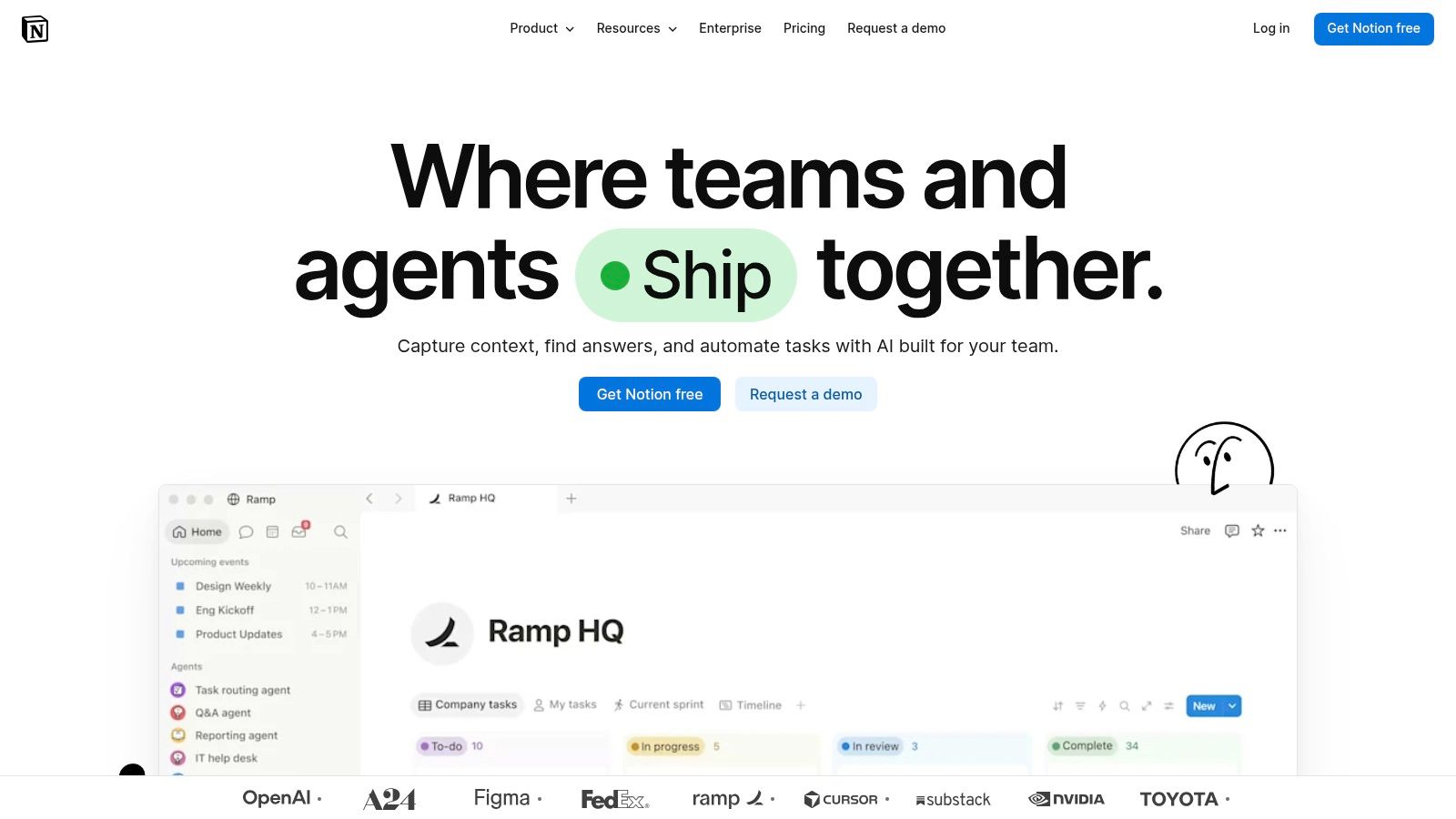
Notion works best when decisions get lost between documents rather than between workflow states. Notion combines shared pages, databases, and project views, allowing a small team to keep written plans beside structured work.
A project page can contain the problem statement, customer evidence, decisions, design references, and related tasks. That arrangement is useful when understanding the work requires reading an argument, not just scanning ticket titles.
The trade-off is ownership of the system itself. Notion gives the team building blocks; someone must decide how those blocks fit together.
Separate current decisions from meeting history
Keep a concise current plan at the top of the project page. Store chronological meeting notes underneath or in related pages, rather than making engineers read backward through the project's history.
- Setup cost: Low to start, but ongoing discipline is necessary. Establish templates, database relationships, and an owner for keeping the plan current.
- Strength: Written context and lightweight tracking can live together.
- Limitation: Flexible pages can accumulate conflicting requirements unless someone marks superseded decisions.
- Switch point: Add Linear or Jira when engineering needs a purpose-built issue lifecycle.
The Stoa versus Notion comparison is useful if you're choosing between capturing plans during conversations and maintaining them in a document workspace.
Notion is a reasonable destination for a plan. It doesn't remove the work of turning a conversation into that plan, unless your team deliberately supplies and reviews the missing context.
How the ten tools compare on pricing model, free access, and best-fit team
| Item | Pricing signal | Free plan | Best for |
|---|---|---|---|
| SpecStory, Inc. (recommended) | $5 per meeting hour; $50 starting credit | New users can start with $50 credit; guests are free | Small product teams turning meetings into decisions, specs, and working software |
| Miro | Paid plans charge per member | Unlimited team members; limited to three editable boards | Visual brainstorming, workshops, and product planning |
| Linear | Paid plans add advanced features; pricing not specified | Unlimited members; limited to two teams and 250 issues | Software teams connecting planning to day-to-day development |
| Productboard | Pricing depends on the number of makers | Not specified | Product teams prioritizing customer feedback and shaping roadmaps |
| ClickUp | Paid plans add advanced planning features; pricing not specified | Unlimited tasks and members; 60 MB storage limit | Teams seeking a configurable hub for planning and execution |
| FigJam | Seat types and plan features affect costs | Not specified | Visual workshops and planning, especially for teams using Figma |
| Asana | Paid plans have a two-seat minimum | Free Personal plan | Cross-functional teams coordinating tasks, owners, and deadlines |
| Jira | Premium adds cross-team planning; pricing not specified | Up to 10 users | Software teams managing Agile workflows and delivery |
| monday.com | Plans start at three users; selected paid plans have a 14-day trial | Free plan available | Teams building visual, customizable project workflows |
| Notion | Plan and AI access vary by workspace; pricing not specified | Free plan for personal workflows | Teams combining documentation, decisions, and project tracking |
Pick the Tool That Matches Where Your Decisions Get Lost
No single tool fixes every planning problem. Start by identifying the handoff that fails most often: during the meeting, between the meeting and the specification, or between the specification and the first commit.
If nobody records the rationale, start with conversation capture. If everyone understands the decision but nobody owns implementation, start with a delivery tracker. If engineers keep asking why a feature matters, connect customer evidence and product reasoning to the plan.
Pick a tool for that stage and run it for two planning cycles. Treat that as a focused experiment, not a migration of the entire company. Keep existing systems that already work.
Measure whether context survives
Choose a real feature with product, design, and engineering involvement. Before implementation begins, ask someone who missed the planning meeting to explain the intended outcome and identify the unresolved questions.
Use a compact review:
- Ownership: Can each participant identify who owns the decision and who owns implementation?
- Rationale: Can an engineer explain why the chosen approach beat the alternatives?
- Open questions: Does every blocking question have an owner and a clear next action?
- Traceability: Can the implementer move from the task to the relevant plan, design, and source discussion?
- Maintenance: Does keeping the system current require duplicate updates?
For a more structured shortlist, a comparison guide for frontend teams can help organize the trade-offs. Compare the workflow you need to preserve, not every available capability.
Keep AI accountable to human decisions
AI can draft requirements and implementation artifacts, but adoption isn't evidence of reliable coordination. In the Stack Overflow developer survey, 46% of respondents actively distrusted AI accuracy, compared with 33% who trusted it.
Keep a human owner for generated specifications and consequential changes. Preserve the conversation or evidence behind the requirement, and distinguish agreed scope from an agent's inference.
Buying advice: Add another tool only when you can name the handoff it improves and the duplicate work it removes.
A useful combination might be Stoa for live decision capture and Linear for delivery, or FigJam for visual exploration and Notion for the maintained plan. The combination matters less than having an unambiguous home for each artifact.
The test is simple: when the meeting ends, can someone begin the right work without asking everyone to reconstruct the conversation? Choose the collaborative planning tools that make that possible, then stop adding tools until another visible gap appears.
SpecStory, Inc. offers Stoa, a multiplayer AI workspace that connects live product conversations with decisions, Markdown specs, and shared implementation context. Visit SpecStory, Inc. and use your next feature kickoff to test whether your team can leave with a reviewed plan, clear owners, and a concrete starting point for implementation.
Newsletter
Get new posts in your inbox
Bring your team together to build better products. Fresh takes on remote collaboration and AI-driven development.