


45% of developers reported practicing remote collaborative development in 2024, with video calls and screen sharing the most common method, according to GitKraken and JetBrains' collaboration report. That reframes the buying question: before paying for another collaboration product, identify what your existing call and screen-sharing setup can't do.
The right pair programming software should justify the attention of everyone in the session, not merely put their cursors on the same screen. Evaluate it against a specific task, the environment needed to complete that task, and the cost of turning the session's output into an accepted change.
Table of Contents
- Feature Matrix for Leading Pair Programming Tools
- Which Tasks Justify a Shared Session
- Pricing Models and What a Team Actually Pays
- Integrations With Editors, Design Tools and CI
- Remote Pairing Risks Beyond Latency
- Choosing a Tool by Team Stage and Size
- Run a Two-Week Trial Before You Commit
Feature Matrix for Leading Pair Programming Tools
| Tool | Live cursors | Shared sandbox | Session recording | Voice or video | Best fit |
|---|---|---|---|---|---|
| VS Code Live Share | Yes | Host environment only | Unverified | Yes, via voice calls | Teams already working in VS Code |
| JetBrains Code With Me | Yes | Unverified | Unverified | Yes | Existing JetBrains users, subject to lifecycle checks |
| Tuple | Unverified | No shared sandbox established | Unverified | Yes | macOS teams evaluating screen-sharing responsiveness |
| Stoa by SpecStory | Unverified | Cloud sandbox shared with the room | Live decision capture; full recording scope unverified | Video included | Product teams turning discussions into builds |
Unverified means the available evidence doesn't establish that capability. It doesn't mean the product lacks it. Treat these cells as trial requirements, and confirm current availability, platform support, and product lifecycle before making a commitment, especially for Code With Me.
The matrix describes capability, not quality. A live cursor doesn't tell you whether navigation remains understandable when someone jumps between files. Voice support doesn't establish microphone quality, connection recovery, or whether your corporate network permits the session. Those are acceptance tests, not boxes to infer from a feature label.
A shared sandbox matters when both participants must reproduce the same behavior. Say an engineer and a product manager are investigating a checkout failure that requires a particular dependency version and seeded database. Watching the engineer's screen might be sufficient for discussion; independently running the same failing test requires environment access, suitable permissions, and a clear reset procedure.
Match the feature to the failure
Decision capture matters when someone outside the session must understand why the implementation changed. But a transcript, a video recording, and a structured decision record are different outputs. If the team changes an authorization rule, ask whether a reviewer can recover the agreed rule and unresolved concerns without replaying the entire conversation.
For Stoa, we provide a shared cloud sandbox and live decision capture. Those are relevant when the session includes product clarification and implementation, but they don't eliminate the need to check artifact access, export behavior, or the accuracy of captured decisions.
Shortlist rule: Keep the tools that satisfy your non-negotiable workflow requirements, then compare the finalists on a real task.
Write those requirements as observable outcomes: a guest can join, the navigator can run the failing test, and the reviewer can retrieve the decision afterward. Don't substitute a long feature list for those checks.
Which Tasks Justify a Shared Session
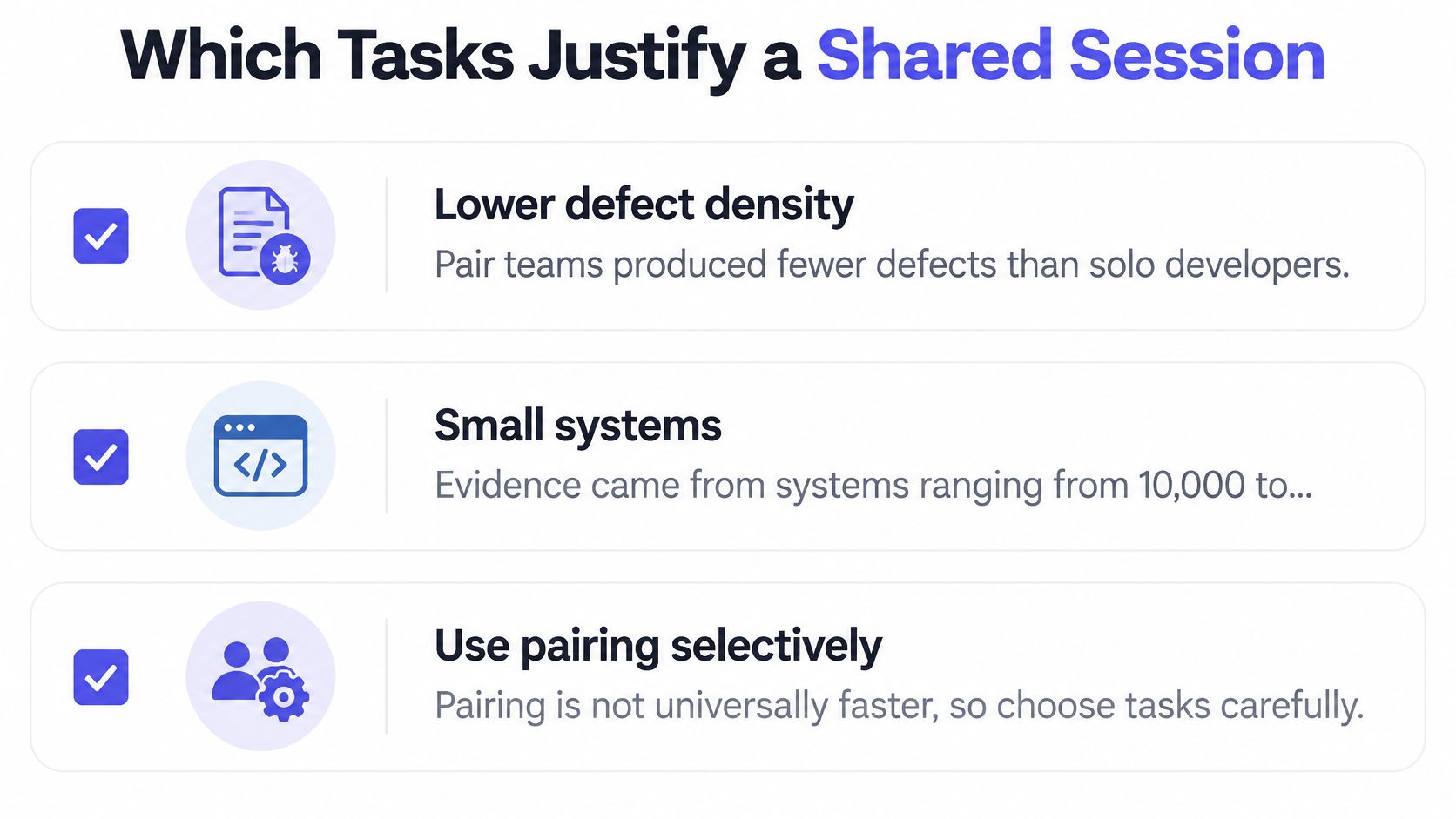
Pairing isn't universally faster. An APSEC controlled study found significantly lower defect densities for pair-programming teams on systems ranging from 10,000 to under 100,000 lines of code, but no significant defect-density advantage for programs under 10,000 lines, where solo developers achieved significantly higher productivity.
That's evidence for selective pairing, not a repository-size switch. Program size in an experiment isn't the same thing as patch size, and a short security change can still demand substantial judgment. Use complexity, uncertainty, and consequences to choose the working mode.
| Task type | Pair or solo | Why |
|---|---|---|
| Architecture discussion | Pair | Compare trade-offs before committing to an implementation |
| Cross-cutting change across modules | Pair | Agree on interfaces and ownership across affected components |
| Unfamiliar codebase or onboarding | Pair | Let the newcomer question assumptions while tracing real execution |
| High-risk or security-sensitive change | Pair | Challenge failure cases while the design is still adjustable |
| Debugging with an unclear cause | Pair | Divide hypothesis generation from evidence gathering |
| Routine, well-specified edit | Solo | Avoid adding coordination when the requirements are already settled |
| Small program under 10,000 lines | Solo as a starting default | The study didn't establish a defect advantage at this program size |
| Boilerplate or generated scaffolding | Solo | Validate predictable output without requiring continuous shared attention |
Define the session's exit condition
Choose the mode per session, not per sprint. An engineer might investigate independently, pair to resolve competing explanations, and return to solo implementation once the uncertainty is gone. Keeping everyone connected through the mechanical work isn't necessary.
Before joining, name the question and the stopping condition. For debugging, that might be a reproducible failure and a test that distinguishes the leading hypotheses. Set a time box, then stop or deliberately renew the session rather than letting an unresolved investigation become an open-ended call.
When an agent participates, use an explicit division of responsibility: a human owns acceptance criteria, another challenges assumptions, and the agent proposes or implements changes. Our guide to AI pair programming provides context for that workflow.
For your initial evaluation period, track cycle time, escaped defects, test-pass rate, and rework by task category. A useful outcome is knowing which work deserves pairing, including the work that doesn't.
Pricing Models and What a Team Actually Pays
Compare billing units before comparing headline prices. A per-seat subscription charges for access, a per-meeting-hour model charges for session duration, and a free core-sharing offer may require separate services for the rest of your workflow. Don't assume which model a vendor uses without current commercial terms.
| Tool | Pricing model | Price signal | Free tier limits |
|---|---|---|---|
| VS Code Live Share | Confirm current terms | No verified quote established here | Verify guest, session, and related-service limits |
| JetBrains Code With Me | Confirm availability and current terms | Establish lifecycle before evaluating purchase | Verify support and continued session access |
| Tuple | Confirm current subscription terms | Request a quote for intended users | Verify trial eligibility and restrictions |
| Stoa by SpecStory | Per meeting hour, no seats or tiers | $5 per meeting hour | Free guest access; $50 credit for new users |
Our Stoa meeting hour includes video, the in-room agent, Claude Code, live decision capture, and the whole team. New users receive $50 in credit and can invite as many people as they want. Keep the distinction between Stoa's meeting billing and other SpecStory products when comparing offers.
Calculate the session bill and the engineering bill
For a hypothetical five-person team running three one-hour Stoa sessions each week, the meeting charge would be $15 per week, before additional hours and before applying introductory credit. That calculation follows meeting duration, not the number of people attending.
For a monthly forecast, use the sessions planned in that billing period rather than assuming every calendar month contains the same working pattern:
- Seat billing: Multiply paid accounts by the quoted subscription charge, then add required extras.
- Meeting billing: Multiply scheduled session duration by the meeting rate, checking how partial hours are treated.
- Core sharing: Add any separate communication, capture, hosting, or administrative services your workflow requires.
The engineering bill is different. Record participant time, setup effort, and subsequent stabilization work alongside the software charge. Don't count everyone's attendance as productive because the meeting produced code.
A low subscription price is useful only if the tool supports the session you actually need to run.
Check session-duration restrictions, guest access, artifact retention, and recording availability against your intended use. Where commercial details remain unconfirmed, leave the estimate incomplete rather than filling it with a remembered price or an assumed free allowance.
Integrations With Editors, Design Tools and CI
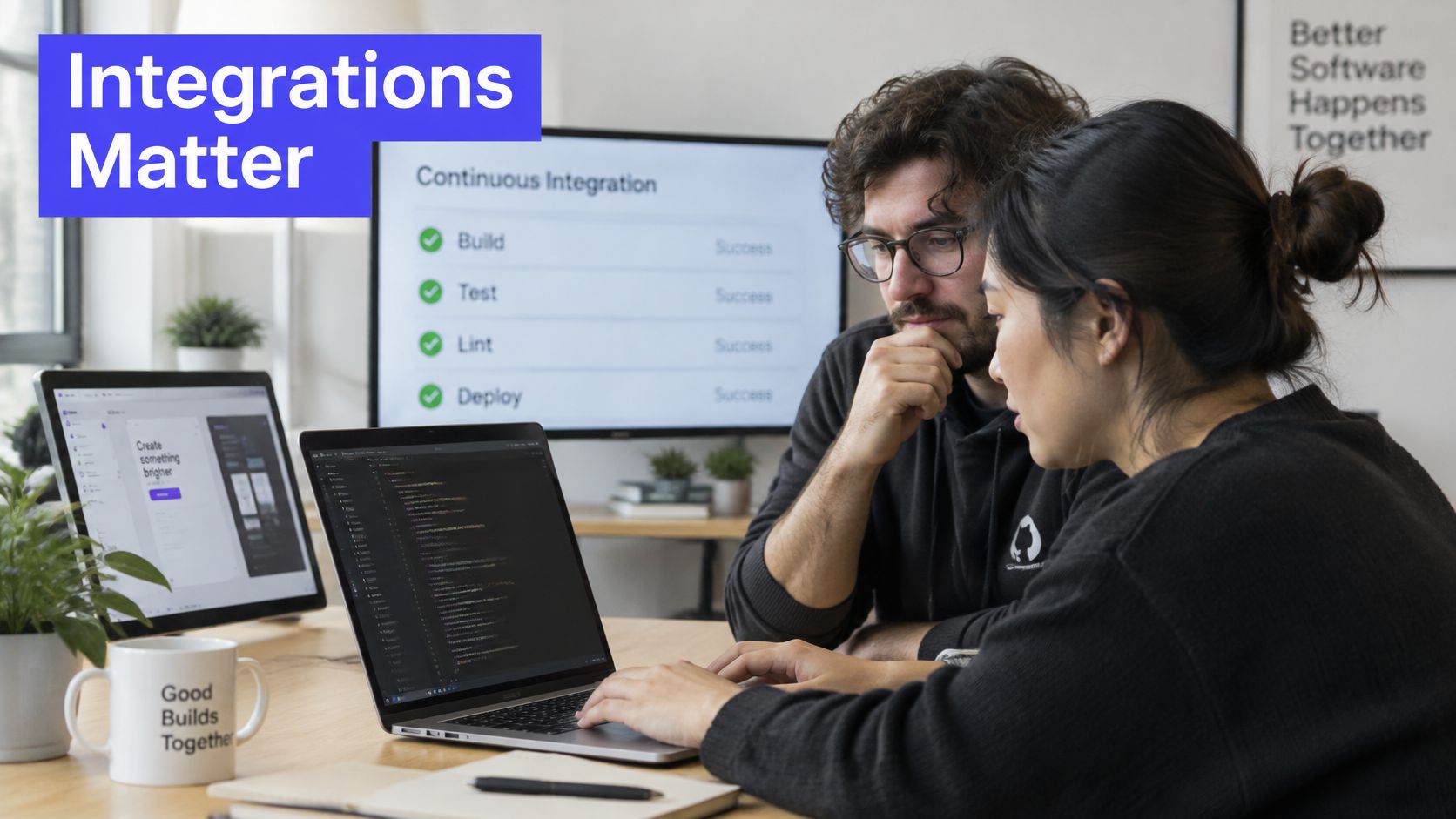
An integration is useful when it preserves a working handoff, not merely when a product name appears on a compatibility page. Test whether the navigator can inspect the relevant files, whether the implementation retains its requirements, and whether the resulting change passes your normal delivery controls.
Editors, agents, and portable context
Our SpecStory tooling supports Cursor IDE, VS Code with Copilot, Claude Code, Gemini CLI, Codex CLI, Cursor CLI, and Droid CLI. We also provide IDE extensions for Cursor and VS Code. That support shouldn't be interpreted as proof that every editor feature behaves identically inside every shared session.
With the stoa CLI, context can be synced to your desktop and opened in Claude Code, Codex, VS Code, or another tool, without MCP. Test this with a concrete handoff: capture an acceptance criterion during the discussion, open the context locally, and verify that the implementation task still includes it.
For VS Code Live Share, JetBrains Code With Me, and Tuple, integrations with the listed agents, design tools, and CI systems remain unverified here. Don't infer agent compatibility from editor compatibility or assume screen sharing provides structured context transfer.
Design references and delivery controls
Use a Figma reference as a retrieval test, not just a clickable attachment. Can the receiving engineer identify the relevant frame, the agreed behavior, and any unresolved interaction detail? A session link without that context isn't a complete specification.
Apply the same discipline to code. Our specstory-guard agent skill is a pre-commit hook for secrets; verify that your intended repository workflow invokes the controls you require. Keep CI tests, branch protection, and review requirements in place regardless of who or what wrote the change.
Put these questions into the trial:
- Editor continuity: Can both participants move, run tests, and recover after reconnecting?
- Design traceability: Can a reviewer retrieve the design reference and agreed interpretation?
- Delivery enforcement: Do secret checks and CI run on session-generated changes?
- Artifact ownership: Can the team export the context and associate it with a pull request?
For a reproducible handoff, prepare a shareable code example with the failure, expected behavior, and relevant files. That makes integration gaps visible without requiring a full production task.
Remote Pairing Risks Beyond Latency
Access to the same screen doesn't establish equal participation. A fast connection can still leave the navigator unable to interrupt, a quieter teammate unable to reflect, or a remote participant excluded from the final decision.
A 2025 controlled study of remote pairs, involving 24 experienced developers in 12 pairs, found that woman-woman pairs used more shared decision-making and divide-and-conquer strategies while averaging lower productivity than man-man pairs. The small sample doesn't establish a ranking of ability or justify assigning work by gender; it cautions against assuming that a single coordination style suits everyone.
Make participation an explicit requirement
Evaluate the working arrangement as carefully as the transport. A session should support disagreement and independent thought, not just uninterrupted conversation.
- Turn-taking: Agree who drives and what triggers a role change.
- Private reflection: Allow participants to inspect a proposal before demanding a live response.
- Accessible records: Check transcript readability, search, and access permissions.
- Asynchronous handoffs: Require enough context for someone who couldn't attend.
- Disagreement handling: Provide a written route for objections that remain unresolved during the call.
Pebb's discussion of common tool challenges for remote teams is a useful companion when reviewing the broader collaboration setup. Include these participation requirements when assessing hybrid work solutions, rather than treating them as exceptions for particular colleagues.
Keep humans accountable for agent proposals
When an AI agent joins, name the person responsible for accepting its output. Otherwise, the participant operating the agent may become the decision-maker by default, even when someone else has the relevant domain knowledge.
The person holding the keyboard shouldn't automatically own the decision.
Before starting, agree how disagreements end. For a reversible implementation choice, a designated owner can decide after hearing objections; for a security concern, pause and obtain the appropriate review. Rotate the driver deliberately, and distinguish agreement from silence when recording the outcome.
Choosing a Tool by Team Stage and Size
Choose for the team's coordination problem, not its headcount alone. A small team working across unfamiliar services may need richer shared context than a larger team making independent, well-defined changes.
An Aalto empirical assessment of pair-programming adoption describes improvements in software quality and developer knowledge alongside increased task effort, especially for simple tasks and early pairing sessions. That combination argues for a targeted adoption policy, not mandatory pairing throughout the workday.
| Team situation | Recommended approach | Reason |
|---|---|---|
| Seed-stage team of two to five engineers | Evaluate per-hour or free core sharing | Keep spending aligned with selected high-value sessions |
| Dev-first team working in VS Code | Shortlist Live Share inside the editor | Evaluate collaboration without requiring an editor change |
| Product team with engineers, designers, and PMs | Prioritize decision capture and specification drafting | Give non-attendees reviewable outputs, not just code |
| Distributed team of six or more | Prioritize reduced coordination overhead | Judge handoff quality rather than feature count |
These are selection scenarios, not evidence-based headcount thresholds. Team size tells you how costly attendance might be; task structure tells you whether attendance is justified.
Seed-stage and developer-first teams
For a seed-stage team, start with the least administrative burden that meets the task requirements. Don't purchase broad access just to encourage usage. A sporadic architecture session and a daily shared debugging workflow need different commercial evaluations.
For developers already working in VS Code, Live Share belongs on the shortlist because editor continuity is relevant. Still test guest setup, permissions, environment access, and recovery. Familiarity with the editor doesn't prove the collaboration workflow will be frictionless.
Product and distributed teams
When designers and product managers participate, prioritize whether their decisions survive implementation. Our Stoa AI listens to the meeting conversation and extracts decisions, drafts specs, generates user stories, and flags open questions. That makes it worth evaluating when the unresolved problem is translating discussion into actionable work.
The trade-off is review responsibility. Someone must correct a mistaken decision summary, resolve contradictory requirements, and assign open questions. Automatically generated artifacts aren't accepted specifications until the team checks them.
For a distributed team, make the decisive test whether an absent teammate can continue the work without reopening the entire discussion. Prefer the product that supports that handoff, even if a competing tool offers more visible collaboration features.
Run a Two-Week Trial Before You Commit
Measure accepted changes, not typing speed. In an experiment with 21 participants comparing AI-assisted and human pairing conditions, the AI-assisted condition produced more added lines of code, but more code was subsequently deleted in the next development stage, indicating inferior output quality.
That finding doesn't establish which current product will perform best for your team. It establishes why output volume alone is an inadequate purchase criterion.
Use a controlled working comparison
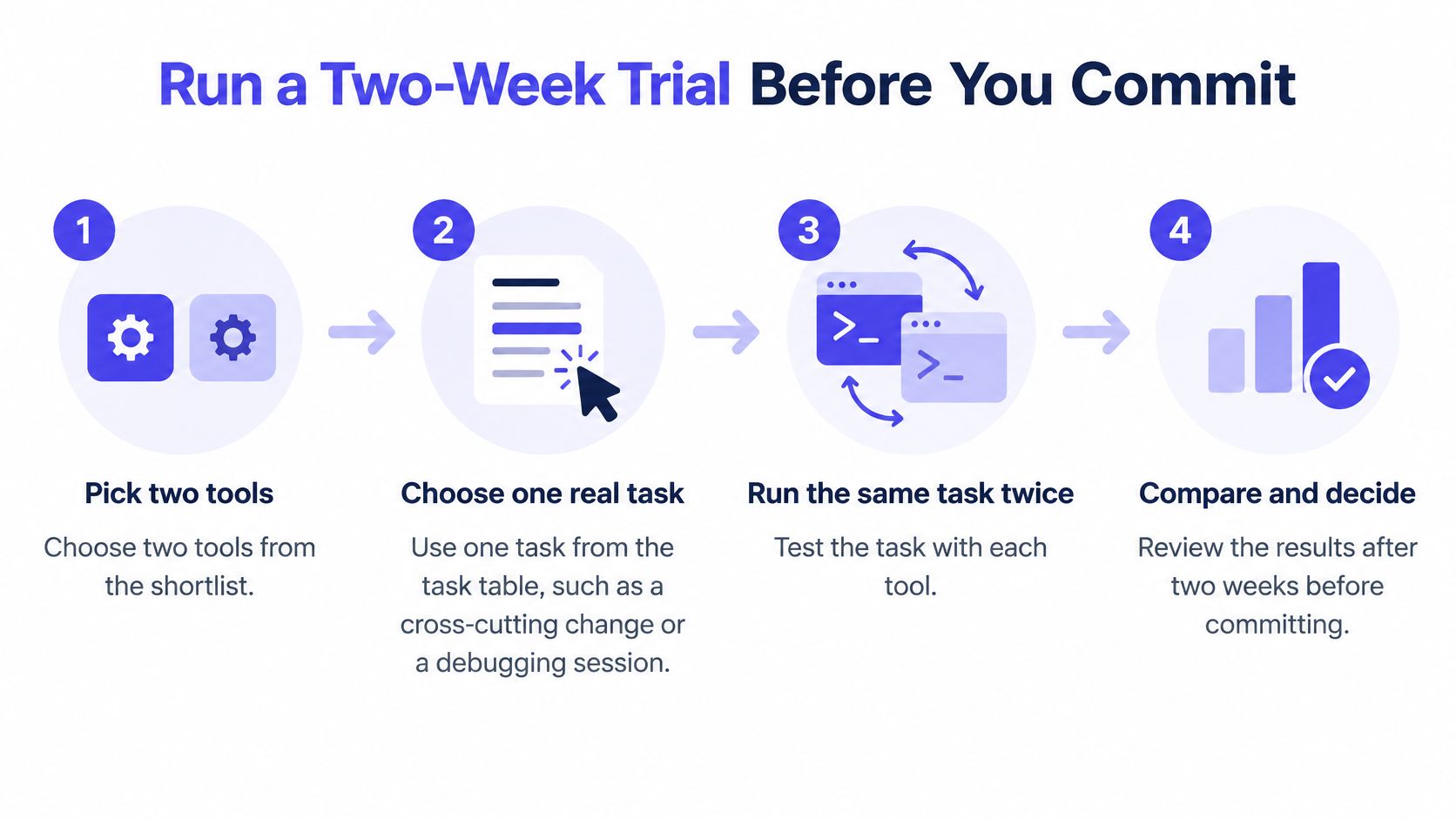
- Select the finalists and task. Choose a real cross-cutting change or ambiguous debugging problem with written acceptance criteria.
- Keep conditions comparable. Use the same pair and time box, starting from the same repository state. Repeating the task introduces learning effects, so use a fresh equivalent task with the order reversed before treating speed differences as decisive.
- Record the outcome. Capture elapsed completion time, participant time, defects found after review, rework, and whether a reviewer can retrieve the decision.
- Include stabilization. Count debugging, refactoring, review revisions, and the time needed to reach a passing implementation. Track discarded generated output without treating every deletion as a defect.
- Exercise the constraints. Test guest access, session limits, artifact retrieval, integration controls, explicit turn-taking, transcript accessibility, and an asynchronous handoff.
- Apply the same acceptance rule. Reject apparent speed gains that disappear once repair and review are included.
Decide on total cost per accepted change
Combine the software charge with participant effort and stabilization work, using your own internal costing assumptions. Keep serious failures separate from the average: an unauthorized disclosure or unusable access model shouldn't disappear inside a favorable completion-time score.
Choose the tool with the lower total cost per accepted change, provided it meets your quality and access requirements. Schedule a follow-up review after normal use to check whether the trial result survives less curated work.
We offer Stoa as a shared workspace for live product discussions, captured decisions, and sandboxed coding agents. Visit SpecStory, Inc. to try it on a real pairing task, then judge whether the resulting code and decision record justify the session's cost.
Newsletter
Get new posts in your inbox
Bring your team together to build better products. Fresh takes on remote collaboration and AI-driven development.