


Monday starts with a neat list. By Thursday, the list has become a crime scene.
A few items are crossed off. Several have been rewritten. One task has migrated across three days with slightly different wording each time. Slack has four loose promises that never made it onto the list. A meeting produced a decision, but nobody turned it into an owner plus next step. You feel busy, yet the work that ships still seems oddly far away.
That tension is why people keep asking, do to do lists work.
The honest answer is yes, sometimes. But not for the reason you think. Lists aren't valuable just because they help you remember things. They're valuable when they reduce mental overhead and make the next move obvious. They fail when they become storage without execution, or worse, when they give you the feeling of control without the mechanics of follow-through.
I've seen both versions. In stable, individual work, a plain list can be enough. In product work, where priorities move, decisions happen in conversation, and dependencies hide in threads, a plain list often breaks. Not because lists are bad, but because the job changed.
Table of Contents
- Introduction Why Your To Do List Feels Both Essential and Useless
- How To Do Lists Actually Work in Your Brain
- The Science Behind When Lists Lead to Action
- Why To Do Lists Fail and When They Backfire
- Plain Lists Versus Structured Systems and Collaborative Workflows
- Practical Playbook to Make Your To Do List Work Harder
- Conclusion When to Trust Your List and When to Upgrade It
Introduction Why Your To Do List Feels Both Essential and Useless
A lot of list frustration comes from asking one tool to do two different jobs.
You want the list to remember everything. You also want it to move the right thing forward today. Those aren't the same function. One is storage. The other is execution. When the same page tries to hold every backlog item, every half-formed thought, and every urgent action, it stops being useful for either.
That's why a long list can feel responsible in the morning and defeating by lunch. You captured your obligations, but you didn't necessarily create a path to act on them. "Work on onboarding flow" isn't a next step. "Review comments on onboarding copy in Figma after standup" is.
Where the confusion starts
People judge their list by how full it is, not by whether it reduces hesitation.
A decent list should do at least three things:
- Hold commitments outside your head so you don't keep rehearsing them mentally.
- Surface a small set of executable actions that fit the day you have.
- Preserve enough context that you can restart work without rediscovering the thread.
If your list does the first but not the other two, it will feel both essential and useless. Essential because you need somewhere to park open loops. Useless because the parked loops don't convert themselves into motion.
A bad list records work. A good list starts work.
That distinction matters even more for teams. Unfinished work doesn't just create private stress. It creates coordination drift. The designer thinks the PM will follow up. The engineer assumes the decision was deferred. The founder remembers the conversation differently. Nothing is forgotten, but nothing is reliably moving either.
The question isn't whether lists work
The sharper question is this: what kind of work are you asking the list to carry?
For solo tasks with clear ownership, lists often help. For ambiguous work, shifting priorities, and multi-person execution, the list needs more structure than most people give it. The rest of the article lives in that gap.
How To Do Lists Actually Work in Your Brain
A to-do list helps before you complete anything.
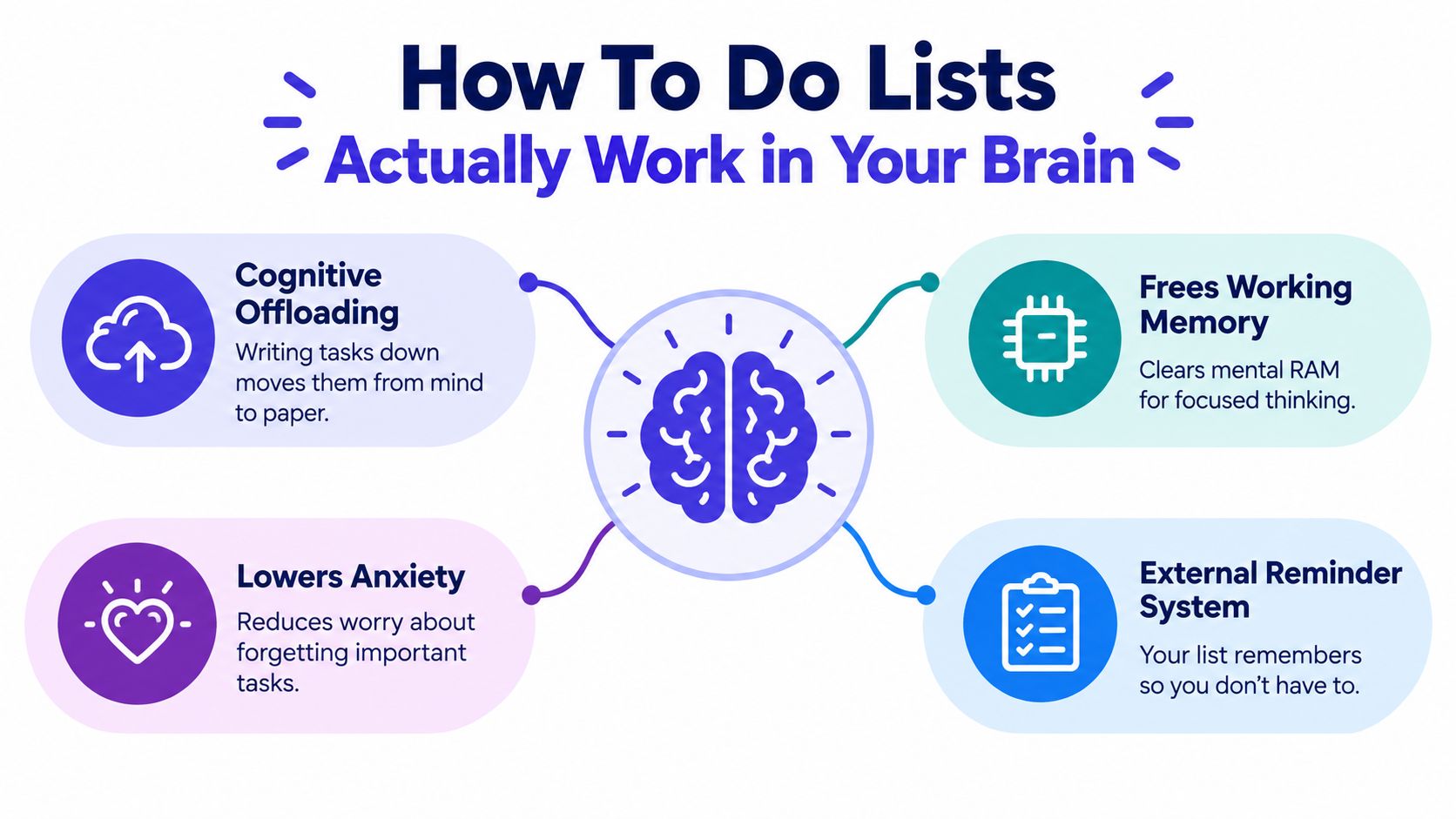
That sounds backwards until you look at the mechanism. The main value of a list is cognitive offloading. You move unfinished work from internal memory into an external system, which reduces the need to keep rehearsing it. Research summarized by Psychology Today notes that formal to-do lists can reduce procrastination, and related cognitive-offloading findings suggest that external reminders such as diaries, to-do lists, and digital alerts help people remember delayed intentions better than relying only on memory. The same summary also explains that writing tasks down can reduce anxiety about unfinished work and improve later-task performance by turning vague intentions into concrete plans (Psychology Today on why to-do lists work).
Lists are external memory, not proof of discipline
The easiest way to think about this is RAM versus storage.
Your working memory is limited. It handles the active problem in front of you, the meeting you just left, the task you mustn't forget later, and the interruption that landed two minutes ago. If you keep all pending work in your head, those loops compete with actual thinking. Once tasks live in a trusted system, your brain doesn't have to keep pinging itself.
That's why lists help most in interruption-heavy jobs. Product managers, engineers, designers, and founders don't work in clean blocks. They switch contexts all day. A list becomes useful when it protects attention from that churn.
If you're interested in the broader planning problem behind this, planning work for our single-threaded brains is a good framing for why people struggle when too many threads stay mentally open.
Anxiety drops when the work becomes concrete
A task you haven't defined keeps expanding in your head.
"Fix analytics" contains hidden questions. Which event? Which dashboard? Which owner? Which environment? Until the task is written down in a concrete form, your mind keeps revisiting it because it can't tell whether the problem is contained. Writing it down doesn't solve it by magic. It tells your brain the item has a place.
This is also why some lists calm you down and others don't. A messy capture list can lower the fear of forgetting, but it won't lower the stress of ambiguity. For that, the item needs shape.
Why this matters in real sprint work
In software teams, forgotten tasks usually aren't the deepest problem. Fragmented context is.
A useful list doesn't just preserve memory. It preserves restartability. When someone returns from a meeting, a bug triage session, or a support interruption, they shouldn't have to reconstruct what "pick up auth issue" meant. The list should already carry enough detail to restart with minimal friction.
That's the first big reframe. Lists work best not as motivational artifacts, but as a lightweight execution layer.
The Science Behind When Lists Lead to Action
Not all lists improve follow-through. The useful ones answer a more precise question than "What should I do?" They answer, "What will I do, when, where, and how?"
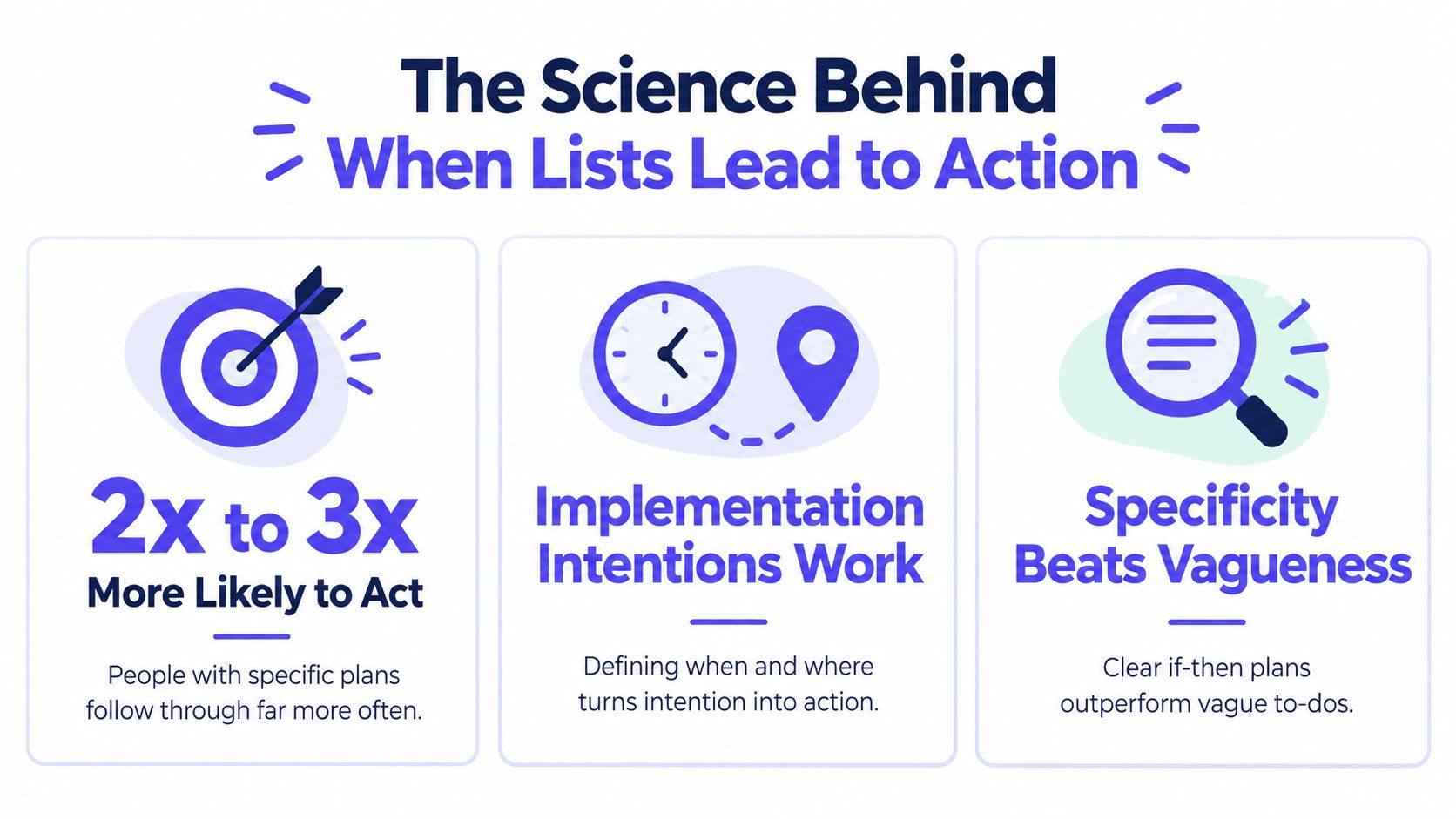
That distinction is backed by strong evidence on implementation intentions. A meta-analysis of 94 independent studies with 8,461 participants found that forming implementation intentions improved goal attainment with a medium-to-large effect size of d = 0.65, because specifying the when, where, and how turns vague intention into executable action (meta-analysis on implementation intentions).
Specificity is doing most of the work
The list item itself isn't the intervention. The plan quality is.
When someone writes "prepare launch," they still have to decide later what counts as starting. That later decision is where delay enters. A better item closes that gap. "Draft launch email in Notion at 2 p.m. after customer call" is awkwardly specific, but that's the point. It strips away the moment of fresh negotiation.
Decision rule: If a task still requires you to ask "what exactly do I do first?" the list item is unfinished.
Many productivity systems accidentally underperform. They capture categories of work rather than executable moves. The user feels organized, yet every task still demands another round of thinking before action starts.
The jump from intention to completion
Experimental work on implementation planning shows how large that gap can be. In one study, participants who added specific plans completed difficult goals at much higher rates, with completion rising from 32% to 71%, and the reduction in missed completion was mediated by fewer interruptions while working (implementation planning study).
That last part matters. Better planning didn't just improve motivation. It reduced interruption effects during execution. In other words, specificity doesn't only help you begin. It helps you stay with the task once you begin.
What this looks like on a real list
Compare these examples:
- Vague item: update roadmap
- Better item: revise Q3 roadmap assumptions in Linear before product review
- Still stronger: revise Q3 roadmap assumptions in Linear before product review, then send open dependency questions to engineering
The gain comes from shrinking uncertainty at the point of action.
For individuals, this often means adding time, place, trigger, or tool. For teams, it means adding owner, artifact, and dependency. Once you see that, the answer to "do to do lists work" becomes more conditional. Yes, if the item already contains enough structure to be acted on. No, if the list is mostly a pile of nouns.
Why To Do Lists Fail and When They Backfire
The same habit that makes lists helpful can also make them deceptive.
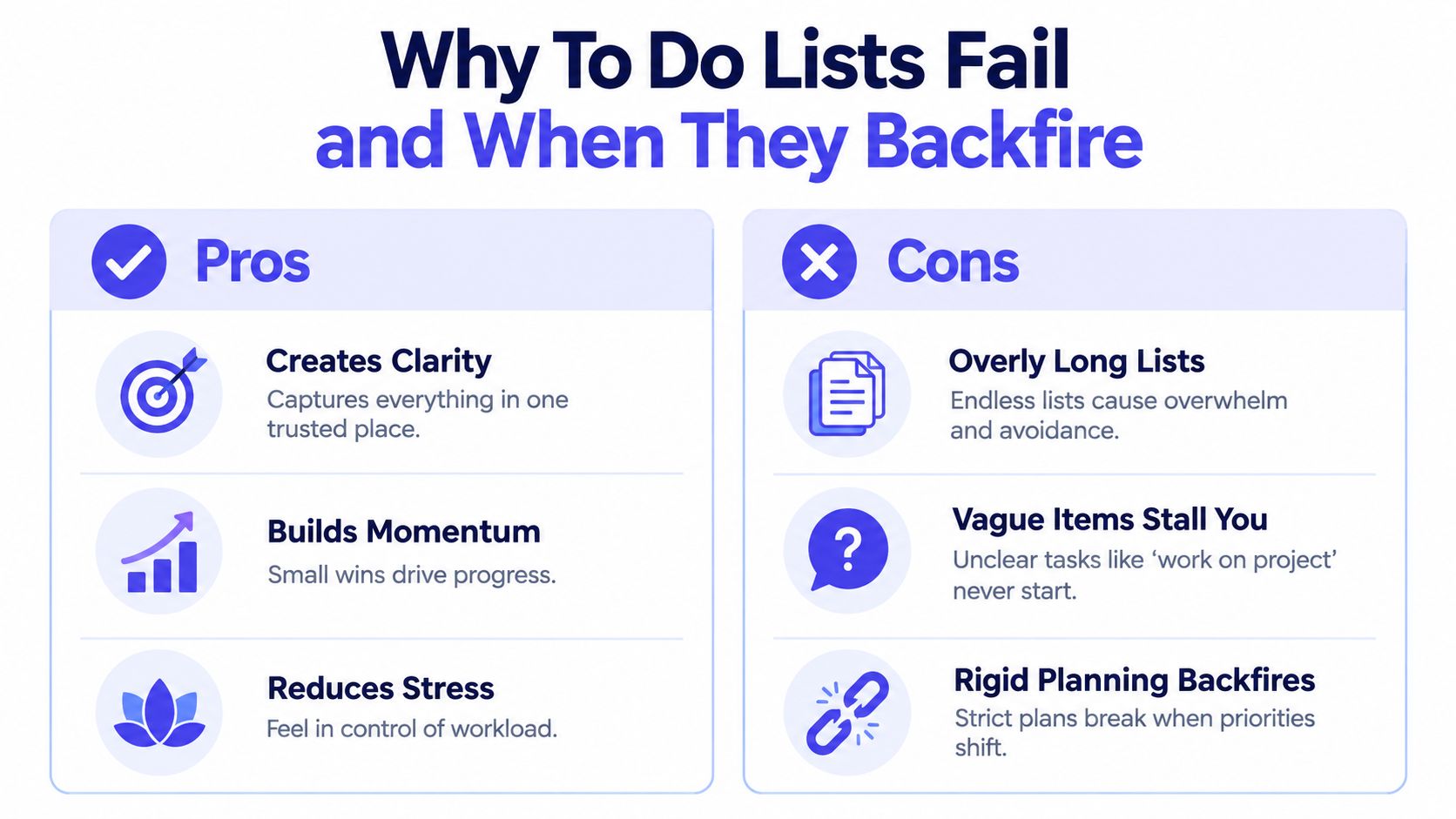
People often respond to overload by writing more things down. That can calm the fear of forgetting, but it can also create a catalog of guilt. A list that's too long stops functioning as a decision tool. It becomes evidence of all the work you haven't absorbed yet.
The individual failure modes are familiar
Some lists fail because they're bloated. Others fail because every item is vague. A third category fails because the plan is too rigid for the work.
Knowledge work doesn't unfold like a grocery run. New information shows up halfway through. Dependencies move. A stakeholder message can change priority in minutes. In that environment, a tightly sequenced list can create false certainty. You spend energy defending the plan instead of updating it.
A few patterns usually signal trouble:
- Overloaded daily lists: ten "must do" items means nothing is a must do.
- Noun-based tasks: items like "strategy," "deck," or "research" don't tell anyone how to begin.
- Rollover theater: moving the same task forward every day without changing its wording or breaking it down.
- Shallow task-switching: bouncing between easy checkoffs while the difficult, ambiguous work remains untouched.
If context switching is already draining your day, this explanation of what context switching does to focus helps clarify why long mixed lists can make the problem worse instead of better.
Team work breaks plain lists in a different way
The more interesting failure mode isn't personal productivity. It's coordination.
The available evidence leaves a gap here. A research summary on planning and list practices notes that while planning helps when tasks are concrete and personally owned, overly rigid lists may increase fatigue, encourage shallow task-switching, and fail on ambiguous or multi-step work. It also points out that much of the discourse still treats lists as individual memory aids, while many teams struggle with coordination drift, unresolved questions, and converting conversations into shared next actions (review discussing limits of list-based productivity thinking).
That diagnosis matches what happens in product teams all the time. The issue isn't that people forgot. It's that a decision lived in a meeting, the tradeoff stayed in Slack, and the next action never became traceable. Each person leaves with a private understanding. The work then fragments.
Teams rarely stall because nobody cares. They stall because the action, owner, and context got separated.
When a list actively hurts
A list backfires when it rewards visible motion over meaningful progress.
You answer easy emails because they're list-friendly. You avoid the architecture question because it doesn't compress nicely into a checkbox. You keep "follow up on API decision" on your list for days, even though what the team needs is a shared note with the unresolved questions attached.
At that point, the list isn't reducing friction. It's hiding the shape of the work.
Plain Lists Versus Structured Systems and Collaborative Workflows
Once you stop treating all tasks as equal, the right system gets clearer.
A plain daily list is often enough for errands, admin, and short solo tasks. But work changes as ambiguity, dependency, and collaboration increase. The goal isn't to upgrade into a heavy process. The goal is to use the lightest structure that still keeps the work moving.
Choosing the Right List System for the Work
| System Type | Best For | Key Strength | Common Pitfall |
|---|---|---|---|
| Plain daily list | Short, self-contained solo tasks | Fast capture and easy review | Becomes overloaded or vague |
| Master list plus daily list | People juggling many commitments across days | Separates storage from today's execution | Daily page can still fill with unclear items |
| Next-action system | Ambiguous tasks that stall at startup | Forces concrete action language | Can feel tedious if applied to trivial tasks |
| Time-blocked plan | Deep work that needs protected attention | Reserves time, not just intention | Breaks if the day changes and you never replan |
| Shared execution workspace | Team work with decisions, dependencies, and open questions | Keeps action linked to context and owner | Overkill for simple personal tasks |
The common advice around lists usually lands somewhere in the middle: keep a master list, keep a shorter daily list, and convert tasks into next physical actions. That's solid guidance. It works because it separates backlog from now.
For readers who want examples of how smarter task phrasing changes behavior, this smart todo list guide is useful because it pushes beyond simple capture and toward better-formed actions.
When to move beyond a plain list
Upgrade the system when any of these start happening:
- Decisions live elsewhere: the task says "follow up," but the actual why is buried in Slack or Zoom notes.
- Ownership gets fuzzy: multiple people think someone else is carrying the next step.
- Open questions keep resurfacing: the work isn't blocked by effort. It's blocked by unresolved choices.
- Restart costs are high: every return to the task requires archaeology through old threads.
Collaborative workflows matter. A product team doesn't just need a list of tasks. It needs a place where conversations turn into visible owners, decisions stay attached to the work, and open questions don't disappear between meetings.
One option in that category is Stoa, which captures live conversations, decisions, and artifacts in a shared workspace so teams can turn meetings into traceable next actions instead of writing separate post-meeting summaries. That's not a replacement for every list. It's a different layer for work that plain lists don't carry well.
Practical Playbook to Make Your To Do List Work Harder
Most list improvements aren't philosophical. They're editorial.
You don't need a new app first. You need better task language, tighter daily scope, and a way to keep context from splitting off into chat threads and meeting notes.
Write tasks that can survive contact with the day
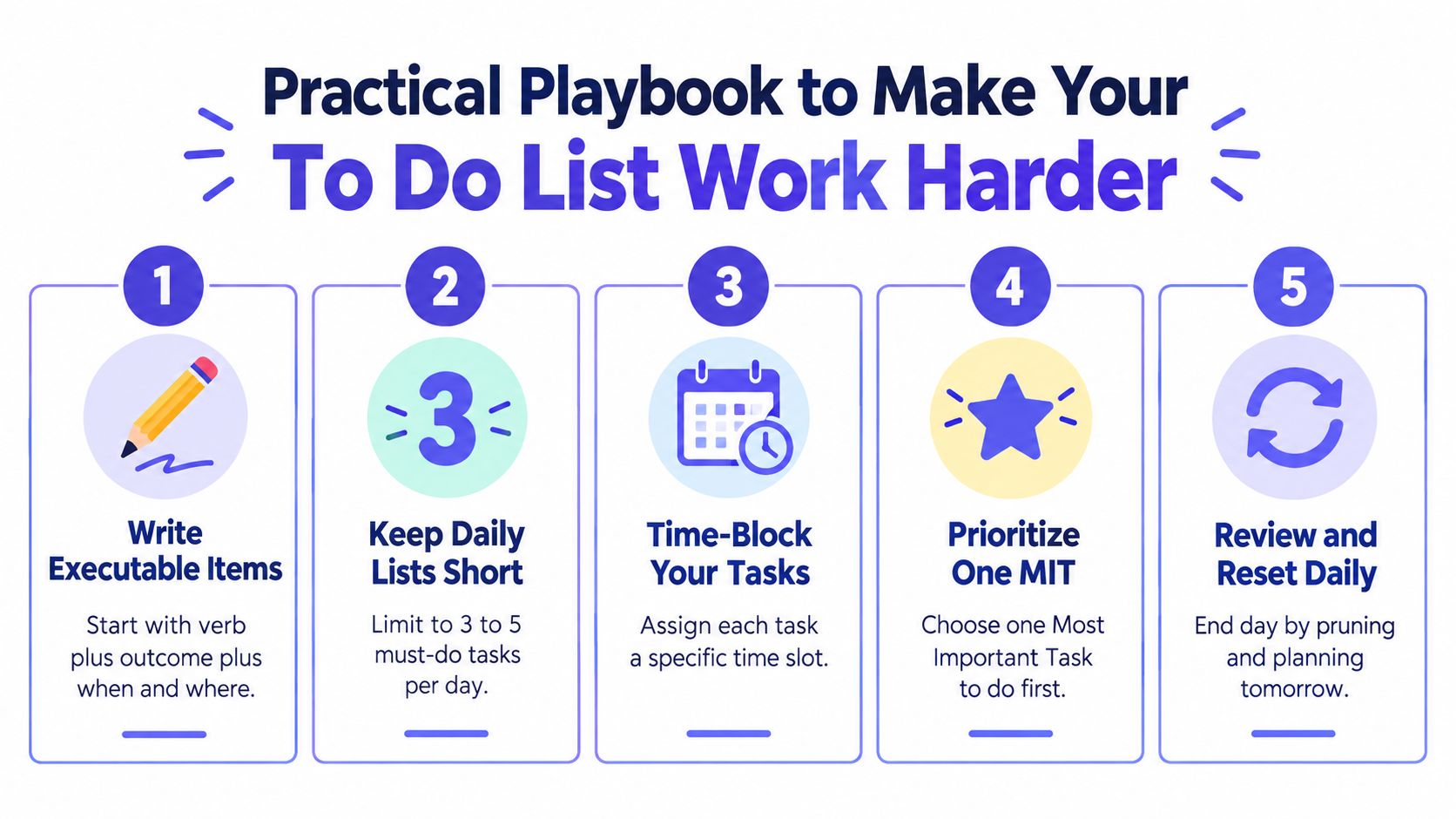
A durable task has three parts: verb, outcome, and execution cue.
Instead of "pricing page," write "revise pricing page headline in Figma before design review." Instead of "customer research," write "tag onboarding pain points from interview notes after lunch." These aren't prettier. They're easier to start.
Write the next visible action, not the category of work.
For teams, add one more field: owner. If a task doesn't have a single owner, it usually has no owner.
Keep storage separate from action
A master list is where obligations live. A daily list is where commitments live. Mixing the two is how people create impossible days.
Try this simple operating rhythm:
- Capture freely: Put every open loop in one trusted backlog, whether that's Apple Notes, Todoist, Notion, Linear, or a notebook.
- Promote selectively: Pull only the items you can realistically execute today into a smaller daily list.
- Rewrite stalled tasks: If an item rolls over, don't copy it unchanged. Clarify it, split it, or decide not to do it.
- Attach context: Link the doc, ticket, Figma file, or conversation that created the task.
If your work is visual or clustered across related ideas, tools with spatial organization tools can help because they make it easier to keep adjacent tasks, notes, and references together instead of flattening everything into a single sequence.
A useful companion habit is capturing decisions while they're being made. If your current process still turns meetings into fuzzy follow-up, this guide to meeting notes and action items is relevant because it focuses on converting discussion into owned next steps.
A lightweight checklist for small teams
Use this as an end-of-day or post-meeting pass:
- One owner per action: shared ownership is usually hidden ambiguity.
- One linked artifact: every meaningful task should point to the doc, issue, or design it touches.
- One unresolved questions list: don't bury open questions inside completed notes.
- One review moment: reset the list before the next work block, not only at week's end.
A short video can also help if you're trying to tighten your task-writing habits in practice.
Conclusion When to Trust Your List and When to Upgrade It
So, do to do lists work?
Yes, when they externalize unfinished work and convert it into clear next actions. That's the durable part. Humans have relied on external systems for managing commitments for a very long time. Historical accounts trace list-like work management back to ancient Mesopotamia around 3200 BCE, note that ancient Egyptians used ostraca roughly 2,000 years ago for everyday reminders, and point to Benjamin Franklin's structured daily planning in 1791 as a precursor to the modern personal to-do list (history of the to-do list across eras).
That history matters because it explains why the tool keeps surviving format changes. The logic is sound. Offload commitments. Reduce uncertainty. Coordinate action.
But the modern failure mode is also clear. A plain list stops helping when it becomes overloaded, vague, or detached from the decisions and dependencies that shape the work. At that point, you don't need more discipline. You need a better execution system.
A quick self-audit usually tells the truth:
- Keep a plain list if your work is mostly solo, short, and concrete.
- Add structure if tasks keep rolling over because they're underspecified.
- Move to a shared workflow if action items, owners, and context keep splitting across meetings, chat, and docs.
The best list is the one that reduces hesitation at the moment of action. If your current setup still leaves you wondering what to do next, the list isn't finished yet.
SpecStory, Inc. builds SpecStory, Inc., where product teams turn live conversations into traceable decisions, action items, and working artifacts instead of losing them across meeting notes and chat threads. If your to-do list keeps breaking at the team boundary, visit the site and see how a shared execution workspace can carry context all the way from discussion to shipped work.
Newsletter
Get new posts in your inbox
Bring your team together to build better products. Fresh takes on remote collaboration and AI-driven development.