


Your product team finishes a long feature kickoff with what sounds like agreement. By Monday, the designer remembers a different scope, an engineer can't find the exception you discussed, and nobody knows who owns the unanswered permissions question. The recording exists. The decision doesn't.
That's the distinction that matters when you list the features a meeting tool needs. Transcription, summaries, visual boards, and action items serve different jobs. A searchable recap can help someone recover context, but it isn't automatically an approved specification or an implementation task.
The same distinction applies to specialized workflows such as automated screening call summaries: capturing a conversation and preparing its next handoff are separate responsibilities.
The tools below range from lightweight notepads to visual planning workspaces. Judge each by one test: what does the team have after the call, and can that output move into the next step of building the product? For engineers, that might mean context in an editor. For a product manager, it might mean a reviewed spec with named owners for unresolved questions.
Table of Contents
- 1. Granola
- 2. Fellow
- 3. Fireflies.ai
- 4. Otter.ai
- 5. Read AI
- 6. Miro
- 7. Fathom
- How the seven tools differ on core focus, free access, pricing, and best use
- Match the Features to the Gap Your Team Actually Has
1. Granola
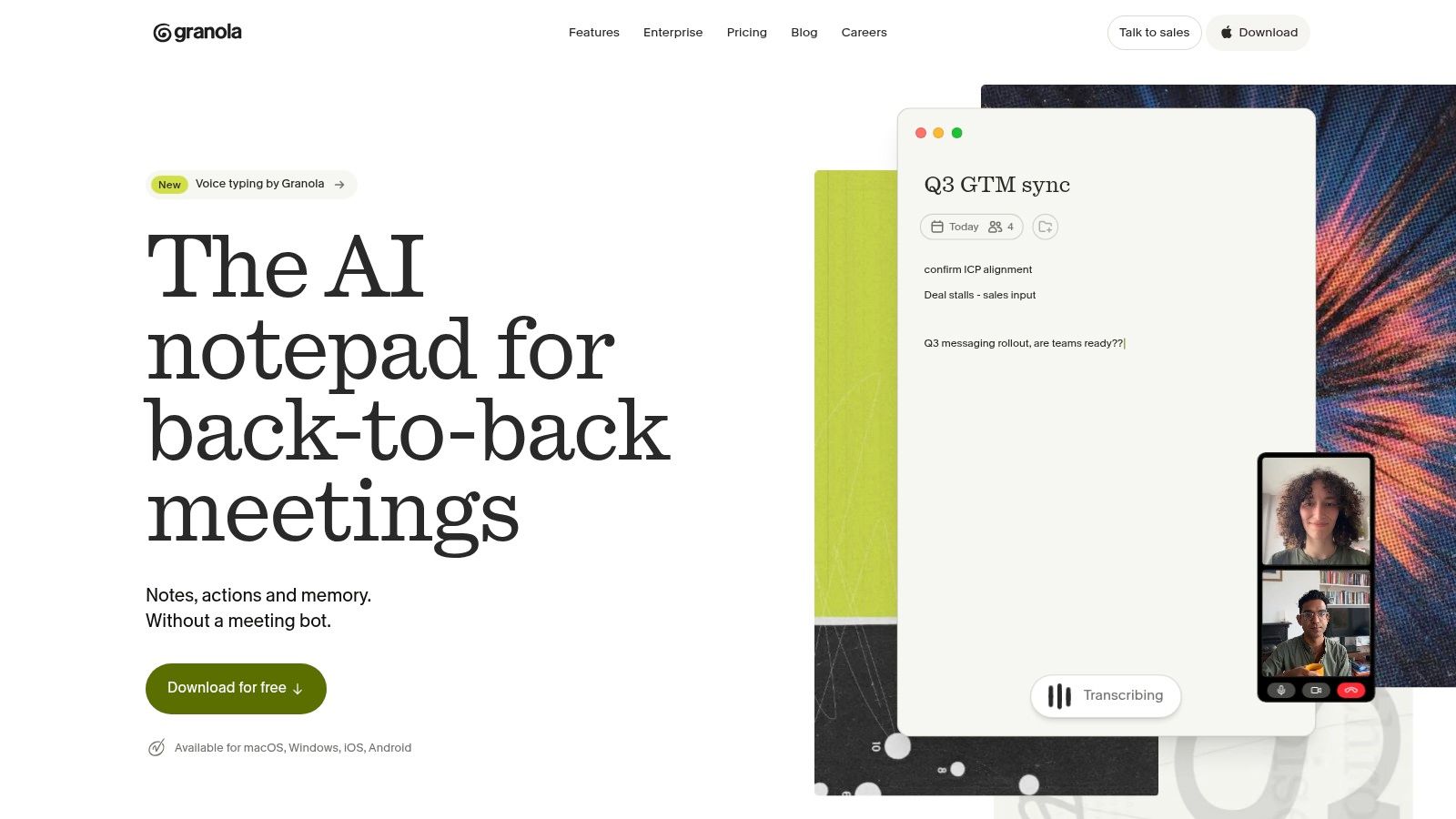
Granola fits teams that want useful meeting notes without adding a separate bot participant. It captures conversations through the user's device and uses AI to turn that context into structured notes. The emphasis is on helping people retain and revisit the discussion, not running the product-delivery process.
That makes it a reasonable choice for a founder moving between customer calls, design reviews, and engineering conversations. Shared notes and searchable history help recover what someone said. They don't, by themselves, establish which suggestion became the approved requirement.
Features that matter after the call
- Bot-free capture: Record meeting context without a separate meeting bot joining.
- Search and AI chat: Revisit discussion points across meeting history.
- Shared organization: Use folders, templates, and meeting briefs to make notes easier to find.
- Context connections: MCP and integrations can make notes available to tools such as Cursor, Claude, and ChatGPT.
The editor connection is the most relevant feature for a developer-first team. An engineer can bring meeting context into an AI-assisted workflow rather than manually reconstructing the discussion. Someone still needs to separate agreed scope from options the team rejected.
The trade-off is lightweight capture versus managed execution. Granola isn't a shared code sandbox or a complete product-delivery workspace. Its free Basic plan offers a starting point, but meeting-history limits matter if you expect to revisit older decisions.
Use the Stoa versus Granola comparison to assess the boundary between keeping meeting context and carrying it into implementation.
2. Fellow
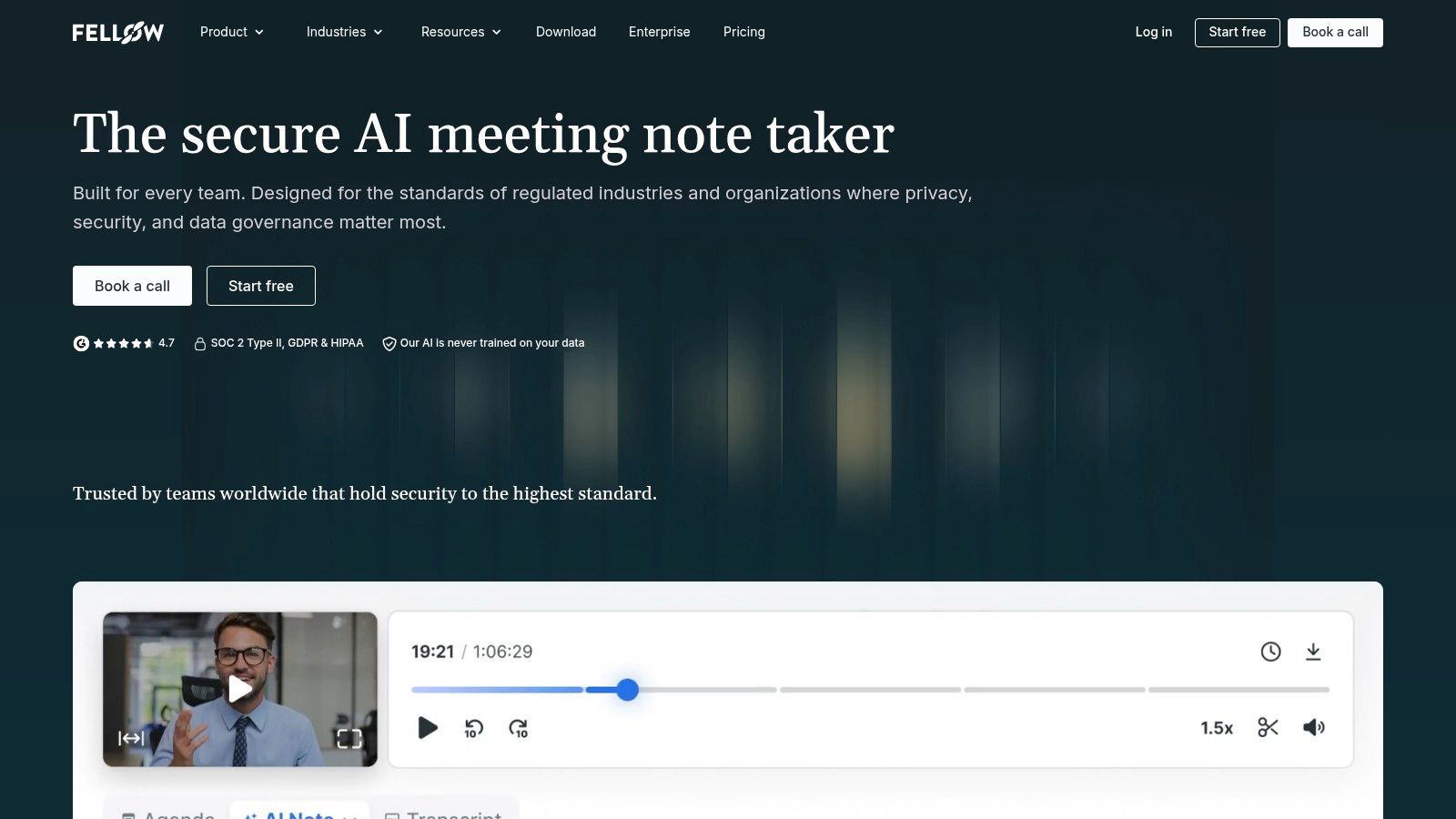
A recurring product review needs structure before anyone joins. Fellow combines shared agendas with notes, AI summaries, action items, and follow-up workflows. It's a stronger fit when the problem is inconsistent meeting practice rather than missing transcripts.
For a small product team, that means keeping the agenda connected to the resulting work. A permissions discussion should end with an owner for the policy decision, not merely a summary saying the team discussed permissions.
Practical rule: An action item isn't ready for handoff until its owner can tell what completion looks like.
Preparation and follow-through
Fellow's useful features include shared agendas, meeting briefs, AI notes, and Ask Fellow for searching meeting history. Integrations with project-management and collaboration tools can move actions into the systems the team already uses.
The benefit is a more managed meeting process. A product lead can prepare the discussion, capture outcomes, and distribute follow-ups without treating each stage as an unrelated document. Workspace controls and meeting-data privacy also deserve attention when customer information or roadmap decisions enter the conversation.
The stopping point is task creation versus implementation clarity. Sending an action into a project-management tool doesn't ensure it includes acceptance criteria, design constraints, or the rationale behind the decision. Review the destination task, not just the successful integration notification.
Fellow offers a free plan, while advanced features and AI usage depend on the selected plan. I'd evaluate it with a recurring product meeting and inspect whether unresolved actions remain visible at the next review. That's a better test than the polish of the initial summary.
3. Fireflies.ai
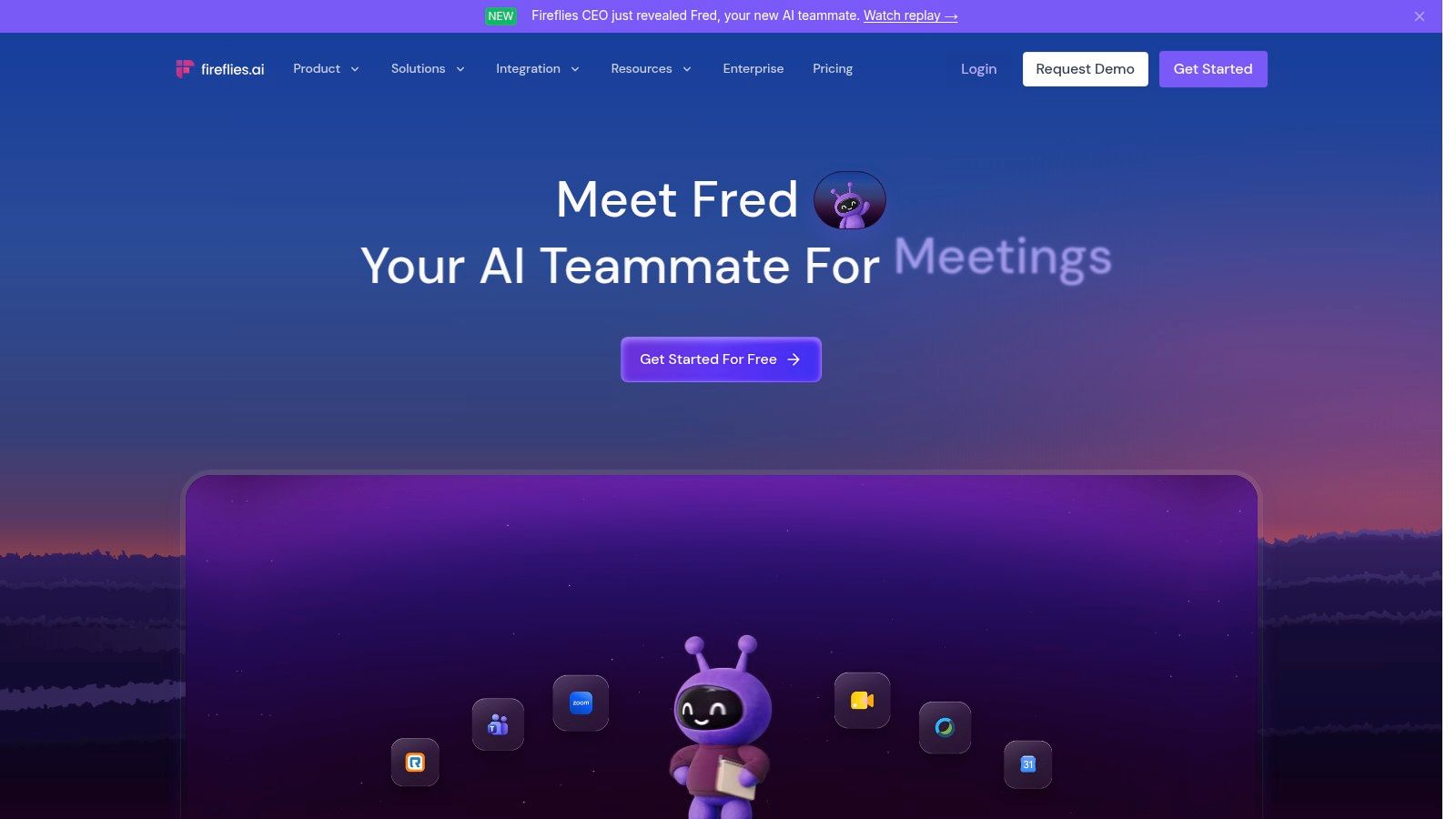
Finding the conversation later is Fireflies.ai's central job. Fireflies.ai combines transcription, AI-generated summaries, searchable meeting history, and integrations. It suits teams that need a shared record of calls and a practical route from discussion to follow-up.
Say a customer explains an unusual account-switching problem. The product manager needs the explanation, the engineer needs the reproduction context, and the designer needs the user's wording. Searchable meeting content gives those people a common starting point instead of separate recollections.
- Transcription and summaries: Preserve the discussion and produce a shorter recap.
- Search and AI assistance: Retrieve relevant information from meeting content.
- Action items: Extract follow-up work for review and assignment.
- Work-tool integrations: Route meeting outputs into communication and project tools.
A record still needs an implementation owner
The handoff works when someone converts the relevant discussion into a bounded task. Include the customer problem, expected behavior, unresolved assumptions, and a reference to the originating conversation. Don't forward an entire recap and expect an engineer to infer the specification.
That distinction matters for AI-generated outputs. In Stack Overflow's 2025 Developer Survey, 66% of developers reported frustration with answers that are almost right. Treat a meeting summary as a draft to verify, not a substitute for approval.
Fireflies offers a free tier for evaluating capture and retrieval. Paid plans expand capabilities, with seat-based pricing and possible limits on AI features or credits.
Where it stops: Fireflies focuses on meeting capture and follow-up. It doesn't replace live product planning, shared code execution, or review of an implementation against an agreed requirement.
4. Otter.ai
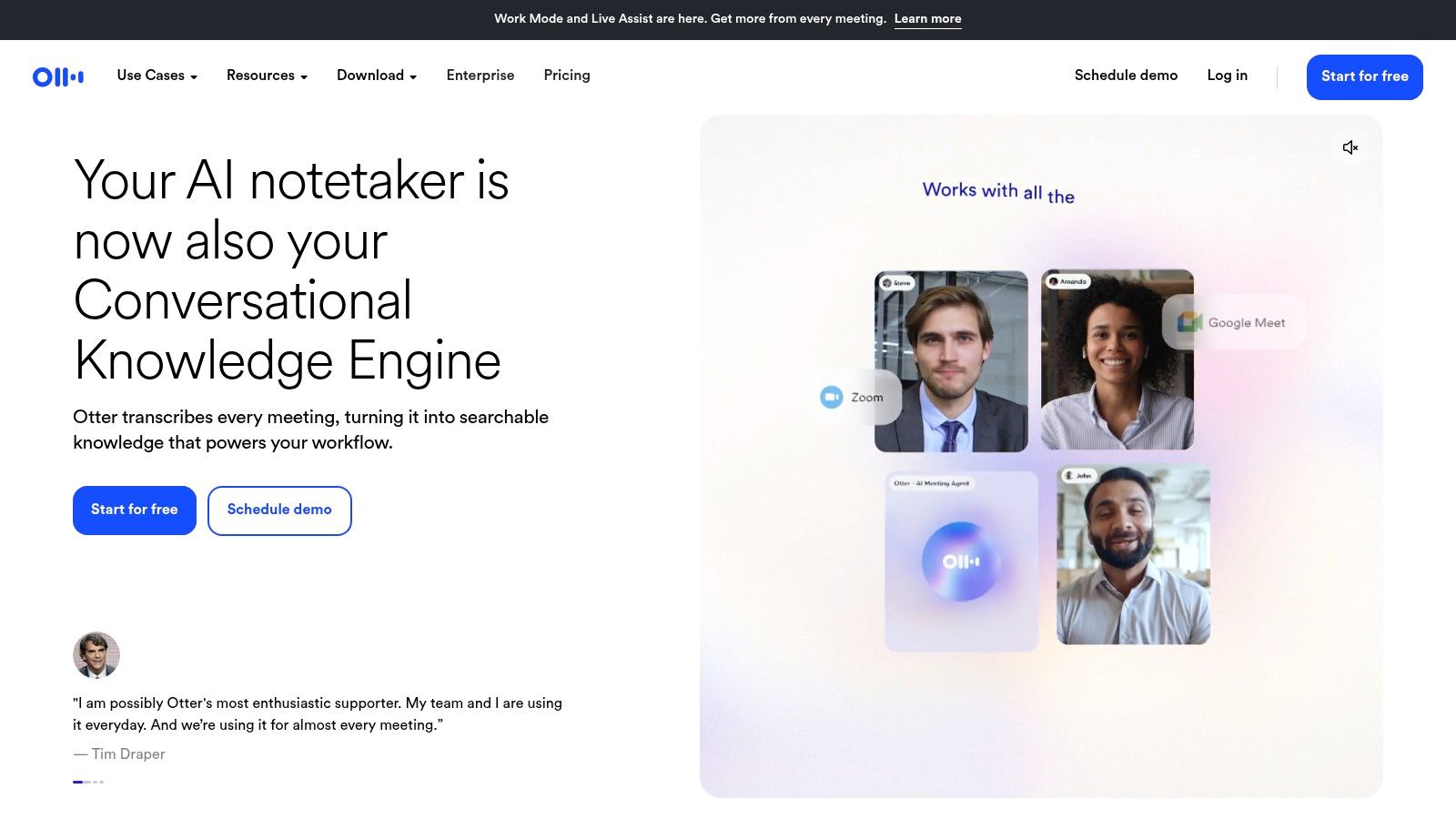
Otter.ai is worth considering when people need a live transcript during the meeting and searchable context afterward. Its feature set includes speaker identification, summaries, AI chat over meeting content, and action items. Meeting Workflows extends that capture process with briefs and follow-up drafting.
For product teams, the practical question is whether a useful passage becomes usable work. Integrations can send notes and actions to tools such as Jira and Notion. That gives the meeting output a destination, but the receiving document or issue still needs review.
Check the wording before assigning the work
Technical conversations are sensitive to small transcription errors. A missed negation can reverse a requirement, while a misheard component name can send someone toward the wrong part of the codebase. Review where transcription accuracy slips before relying on captured wording for detailed specifications.
Keep the transcript as supporting evidence. Put the approved requirement in the document the engineer will actually use.
Otter's live transcription helps participants revisit wording while the discussion is still fresh. AI chat helps retrieve context later, and follow-up drafting reduces the effort of preparing the next message. These are useful steps beyond an isolated recording.
The limit is that meeting workflow isn't a development environment. Otter doesn't provide collaborative coding or shared sandbox execution. An engineer still needs to translate the reviewed outcome into a spec, code change, and test.
A free plan lets teams try the service. Recording limits, usage allowances, and per-user plans affect the eventual fit, so evaluate the workflow using the kind of technical meeting you hold.
5. Read AI
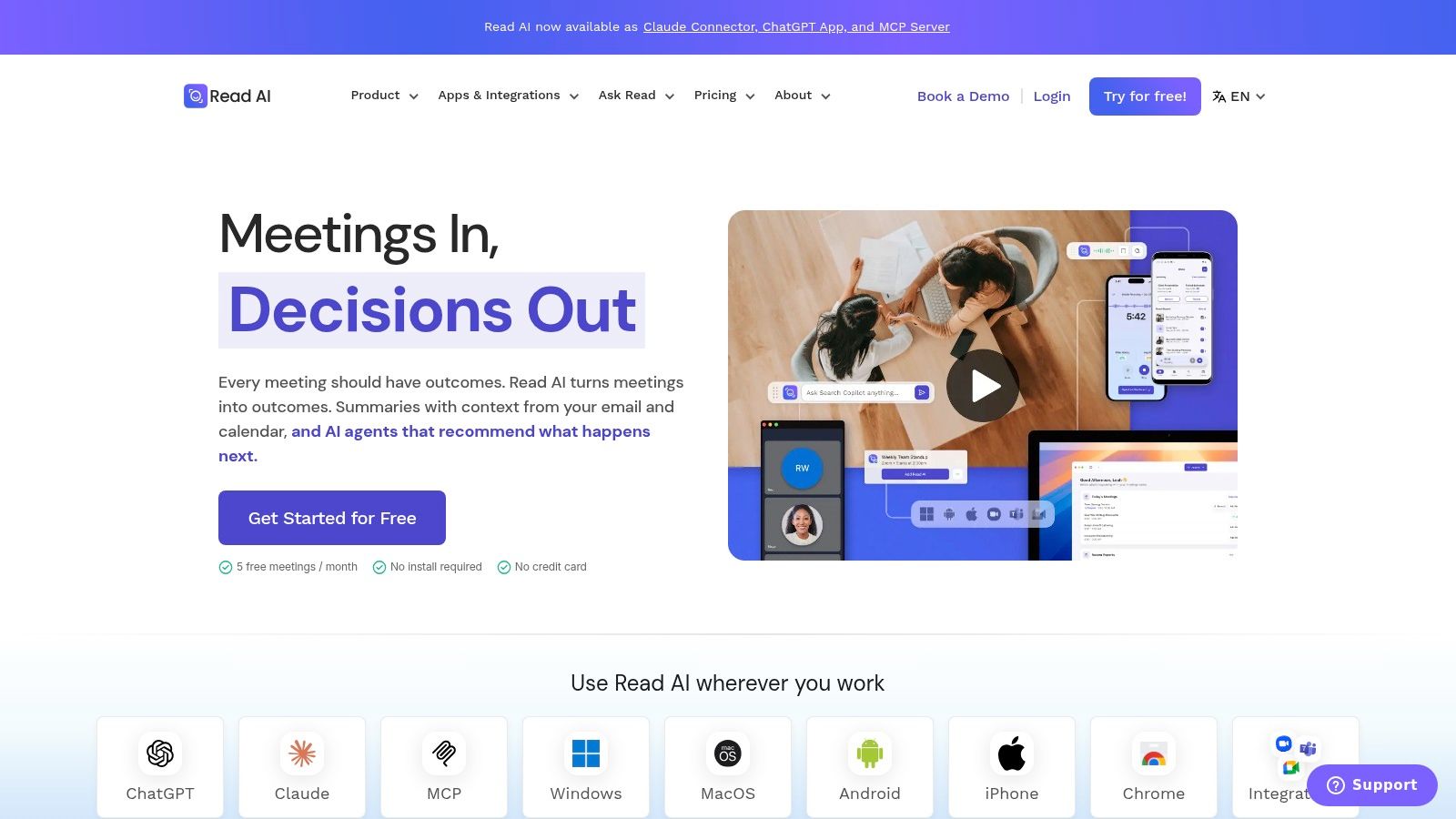
Choose Read AI when the problem extends beyond an individual recap. It combines meeting transcription and reports with search, topic readouts, and a personalized meeting coach. It supports Zoom, Microsoft Teams, and Google Meet.
A product lead might use that combination to recover discussions across recurring planning calls. The important distinction is between meeting intelligence and decision authority. A report can describe the conversation, but the team must still confirm which outcome governs the work.
Retrieval, reporting, and their limits
- Meeting records: Notes, transcripts, summaries, and live metrics capture different aspects of the call.
- Ask Read and search: Help people find relevant meeting information.
- Coaching and topics: Support review of meeting patterns and discussion themes.
- Integrations: Connect meeting information with tools such as Notion, Jira, and HubSpot.
The integration test should be specific. If a discussion changes the onboarding flow, inspect whether the destination task contains the final scope and remaining design question. A generic recap attached to an issue leaves the engineer responsible for interpreting the meeting.
For a broader view of selection criteria, the AI meeting summary tool guide helps frame what to inspect beyond summary quality.
Read AI has a free tier, with paid plans expanding transcription, integrations, and collaboration capabilities. Pricing is per user, so assess which teammates need active access and which only need the reviewed output.
Where it stops: Read AI centers on reporting and retrieval, not product planning or code execution. Meeting metrics can inform a process review, but they don't demonstrate that a decision reached an approved spec or a tested change.
6. Miro
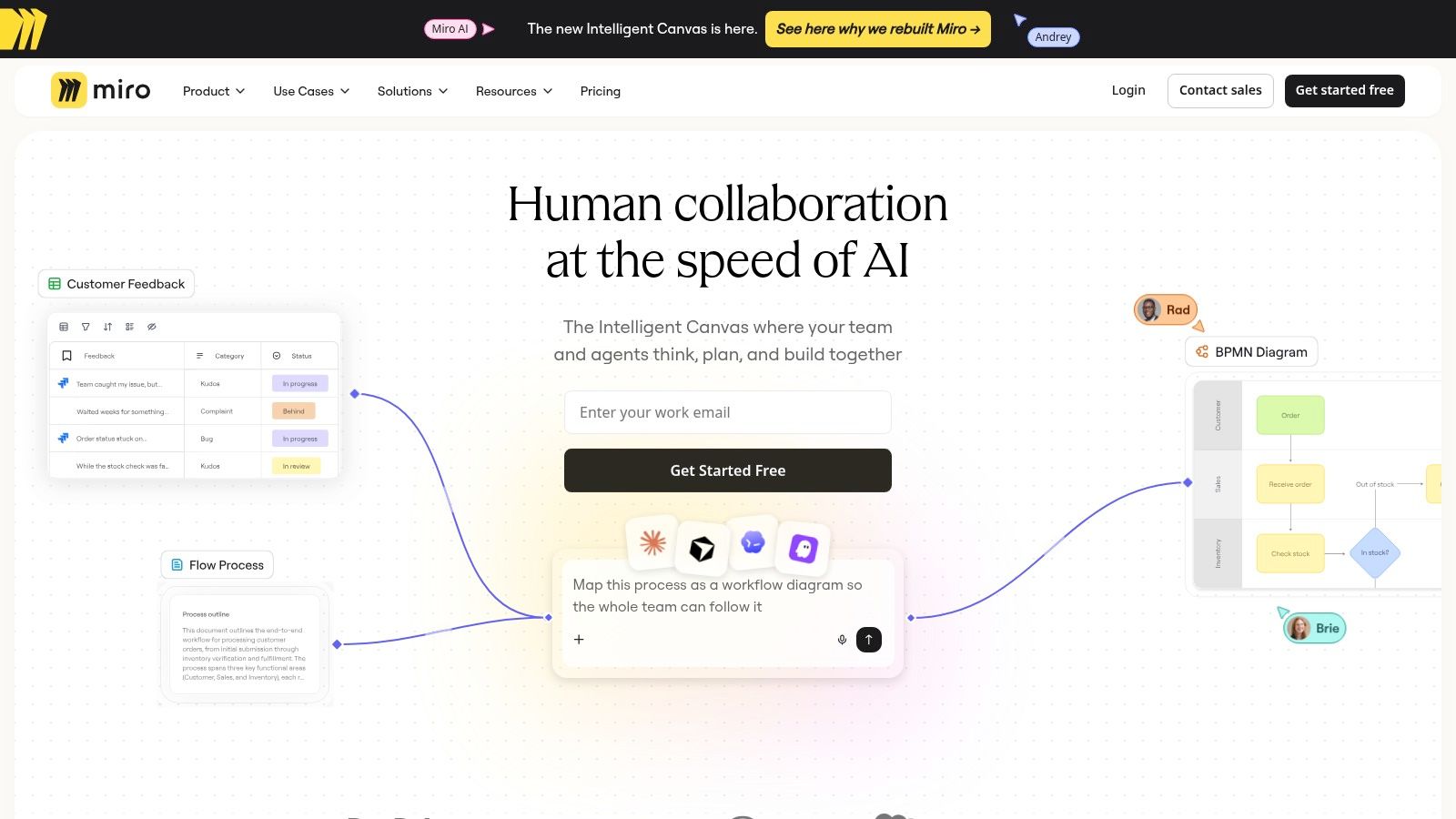
Sometimes the missing artifact isn't a transcript. It's a diagram showing what the team agreed to build. Miro is a collaborative visual workspace for workshops, journey mapping, planning, diagrams, and prototypes, rather than a dedicated meeting notetaker.
For a designer and engineer working through an onboarding flow, a shared board can make branches and dependencies explicit. AI-assisted generation and synthesis can help organize board content. Product-development features, including timelines and prototyping, support work beyond the discussion itself.
Make the board usable outside the workshop
Miro's integrations and MCP connections can connect planning artifacts with AI tools, including Cursor. That creates a potential route from visual planning into a coding workflow. The board still needs enough structure for a contributor to distinguish the chosen design from discarded alternatives.
Board hygiene: Mark the approved path, label unresolved branches, and assign someone to maintain the artifact after the workshop.
The practical handoff is a selected flow plus written behavior. For example, an account-recovery diagram should identify the permitted transitions, failure states, and unresolved security questions. An attractive board without those distinctions isn't an implementation-ready specification.
The collaborative planning tools guide provides another way to assess whether the planning artifact can support later work.
Miro offers a free plan with editable-board limits. Paid plans are seat-based, and AI usage depends on plan-specific credit allowances.
The trade-off: Miro supports visual collaboration across product, design, and engineering, but it isn't a dedicated transcription or decision-tracking system. Someone must preserve the rationale and reconcile the board with the spec as requirements change.
7. Fathom
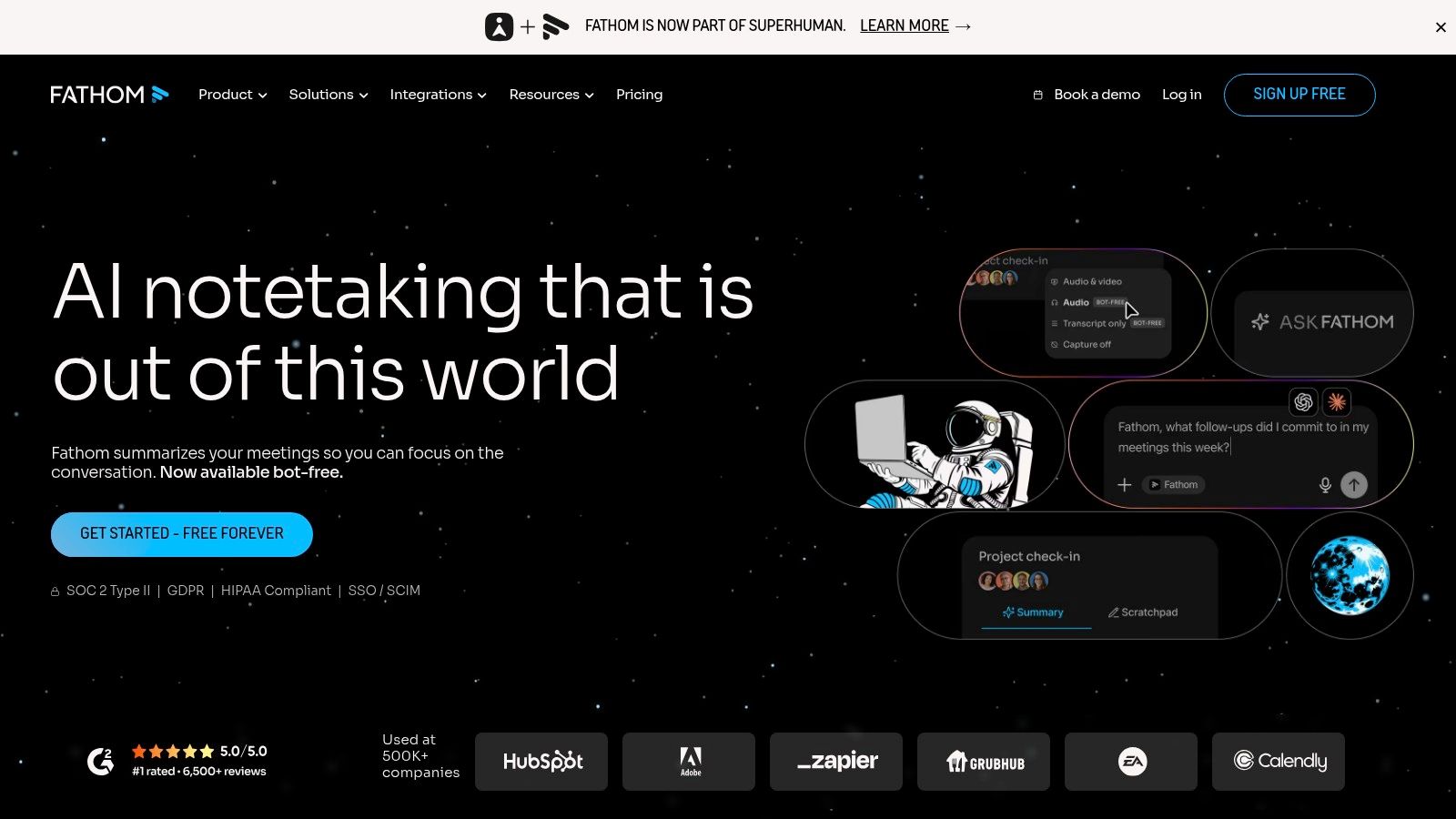
A founder who needs to review a customer call quickly may not want an elaborate meeting-management process. Fathom focuses on recording, summaries, highlighted moments, and action items. That makes it a practical candidate for straightforward capture and sharing.
Highlights are particularly useful when a teammate needs the original explanation rather than a paraphrase. A designer can review the customer's description of a confusing interaction. An engineer can inspect the passage behind a proposed behavior change.
- Recording and summaries: Preserve the call and produce a shorter review artifact.
- Highlights and sharing: Direct teammates to relevant meeting segments.
- Action items: Provide draft follow-ups for a human to confirm.
- Integrations: Send meeting outputs into other work tools, depending on the plan.
A clip is evidence, not scope
The main risk is confusing a compelling customer request with an approved product decision. Attach the relevant highlight to the issue, then state what the team has chosen to implement. Keep requests that remain under consideration separate from committed work.
Developer tool fragmentation makes that distinction important. Stack Overflow's leadership analysis found that 35% of developers juggle six to ten tools daily. Adding a recap destination helps only if people can find the information where they work.
Fathom offers free access for trying the basic experience, with paid plans adding advanced capabilities and integrations. Feature availability depends on the selected plan.
Where it stops: Fathom records and summarizes calls; it doesn't create a live product plan or executable code. It's a sensible choice when reviewed recaps and shareable moments solve the immediate problem.
How the seven tools differ on core focus, free access, pricing, and best use
| Item | Core Focus | Free Option | Pricing Model | Best For |
|---|---|---|---|---|
| Granola | Bot-free meeting notes and searchable conversation history | Basic plan with limited meeting history | Paid plans priced per user | Teams seeking lightweight meeting capture and AI-accessible notes |
| Fellow | Meeting agendas, AI notes, summaries, and follow-up workflows | Free plan available | Paid plans priced per user | Teams managing meeting preparation and action items |
| Fireflies.ai | Meeting transcription, summaries, search, and follow-up | Free tier available | Seat-based paid plans, with AI limits on some plans | Teams capturing and searching meeting information |
| Otter.ai | Live transcription, summaries, and meeting follow-up | Free plan available | Paid plans priced per user, with limits by plan | Teams connecting meeting notes to operational workflows |
| Read AI | Meeting reports, coaching, and cross-conversation search | Free tier available | Paid plans priced per user, with some features requiring payment | Teams needing meeting reporting and conversation retrieval |
| Miro | Visual collaboration, planning, diagrams, and prototyping | Free plan with editable-board limits | Seat-based paid plans, with AI credits by plan | Product teams collaborating visually across planning and design |
| Fathom | Meeting recording, summaries, highlights, and action items | Free access for individuals | Free and paid plans, with features by plan | Individuals and small teams wanting straightforward call recaps |
The useful split is simple. Most of these tools preserve the meeting. Fellow adds more structure before and after the call, while Miro gives the team a visual workspace for flows, dependencies, and design options. That difference matters after the meeting ends. A recap is easy to read and easy to lose. A decision with an owner has a better chance of reaching a spec, an editor, or a commit.
Use this table for buying shortlists, not as a claim that one tool replaces product workflow. Granola, Fireflies, Otter, Read AI, and Fathom compete around capture, search, summaries, and retrieval. Their trade-off is speed versus follow-through. The output may be available quickly, but someone still has to decide what ships and where that decision lives.
Fellow fits teams that need agendas, action items, and follow-up habits, not just transcripts. Miro fits teams whose main problem is shared understanding across planning and design. I would judge both by the same test as the meeting tools: does the output carry decisions and open questions into the work that ships? If it stops at a board, a summary, or a recording, the team still owns the handoff.
Match the Features to the Gap Your Team Actually Has
If your main gap is missing notes, choose a capture tool. Granola, Fireflies, Otter, Read AI, and Fathom offer different ways to preserve and retrieve conversations. Choose based on how participants capture meetings, how teammates search them, and where reviewed outputs need to land.
If your gap is inconsistent preparation and follow-up, Fellow deserves attention. If people struggle to agree on flows, dependencies, or design options, Miro addresses a different need. Don't buy transcription to solve a visual-planning problem, or a visual board to solve missing decision ownership.
Test the handoff, not just the recap
Run a two-week trial around one real product meeting and follow its output through implementation. Before the call ends, confirm the decision, name the owner of each open question, and identify the artifact the engineer will use.
- Inspect the spec: Can someone distinguish approved scope from suggestions and unresolved assumptions?
- Inspect the editor handoff: Can the engineer retrieve the relevant rationale without searching multiple chat threads?
- Inspect the change: Can a reviewer connect the implementation to the decision and its acceptance criteria?
- Inspect the next meeting: Do unanswered questions return with owners, rather than disappearing into old notes?
This also tests durability. Documentation needs to preserve knowledge for people and provide usable context for agents, a distinction discussed in Atlassian's developer experience report. Keep the operating record current instead of accumulating recaps nobody maintains.
For teams that want conversation, decisions, and open questions to stay in a shared room and feed into specs and code, Stoa is another option. It captures those elements during the discussion and supports traceable artifacts and shared sandbox work.
The deciding question isn't which tool produces the best-looking summary. It's whether a teammate who missed the meeting can understand the decision, find the remaining uncertainty, and continue building without asking everyone to reconstruct the call.
SpecStory, Inc. builds Stoa, a multiplayer AI workspace that turns live product conversations into traceable plans, specifications, and code. Visit SpecStory, Inc. and try it with a feature kickoff, then follow a captured decision through to the artifact your team uses to build.
Newsletter
Get new posts in your inbox
Bring your team together to build better products. Fresh takes on remote collaboration and AI-driven development.